How to Generate Thousands of Unique Discount Codes on Shopify

Pixoo
Multi-currency discounts for Shopify
How to Generate Thousands of Unique Discount Codes on Shopify
Key takeaways
- A single shared code is one leak away from being public, and once it is on a coupon site you cannot tell a customer from a stranger
- Shopify's engine can add codes in bulk through its API, but the admin has no generator, so the manual route is one code at a time
- Pixoo generates up to 100,000 single-use codes per discount from a prefix, runs them in the background, and hands you a CSV
- Because each code belongs to one multi-currency discount, a single batch is worth the right amount in every currency instead of a converted approximation
In this guide:
- The Campaign That Needed 4,000 Codes
- Why One Shared Code Is a Liability
- What Shopify Actually Gives You
- Generating Codes in Bulk
- The Part That Actually Breaks: Rate Limits
- Getting the Codes Into Your Campaign
- Why Currency Matters More Than You Think
- FAQ
A cosmetics brand we work with was preparing a thank-you campaign. Every customer who had ordered in the previous year would get a personal code, roughly four thousand people, each code good for one order and nobody else's. The marketing side was ready. The list was clean. Then someone had to actually produce four thousand codes.
They opened the Shopify discount form, typed a code, saved, and looked for the button that would do that four thousand times. There isn't one. You can generate a code, you can let Shopify suggest a random one, and then you do it again. At roughly fifteen seconds per code, four thousand codes is about sixteen hours of clicking.
Why One Shared Code Is a Liability
The obvious shortcut is to skip the whole problem: make one code, put a usage limit on it, and email it to everyone. It works right up until it doesn't.
A shared code travels. Someone posts it to a deal forum, a browser extension scrapes it, and within a day it is being tried at checkouts by people who were never on your list. Spotting that early is its own problem, covered in how to tell when a code has leaked. Shopify's usage limit will eventually stop it, but it stops it for everyone, including the customers you actually meant to reward. The people who reply to your support inbox are the ones who came late and found the offer dead.
There is a quieter cost too. With one shared code you learn almost nothing. You know the code was used 300 times. You do not know whether those were your loyal customers, a deal site's audience, or one person with a lot of email addresses. Attribution collapses into a single number.
Unique codes fix both problems at once. One code, one person, one order. A leaked code burns exactly one allocation, and every redemption tells you who it belonged to. Searches like shopify bulk discount codes and generate unique discount codes shopify are almost always someone arriving at this realisation.
What Shopify Actually Gives You
Here is the honest picture, because it is more nuanced than "Shopify can't do it".
Shopify's platform handles bulk codes perfectly well. The Admin API exposes a discountRedeemCodeBulkAdd mutation built precisely for attaching many codes to one discount, and a store can hold up to 20 million discount codes. The capability is real and it is supported.
What is missing is the interface. The Shopify admin was designed around creating a discount with a code, not a discount with thousands of codes, so there is no field for "how many" and no generator. If you want bulk codes natively, you write against the API, which means a developer, an access token, and someone to babysit the rate limits.
That gap is the whole reason a bulk feature exists in apps like ours. The engine was never the obstacle. The form was.
Generating Codes in Bulk
Inside Pixoo, the count is a field on the discount rather than a separate tool. You build the discount exactly as you normally would, choose the code method, and then tell it how many codes you want and what they should look like.
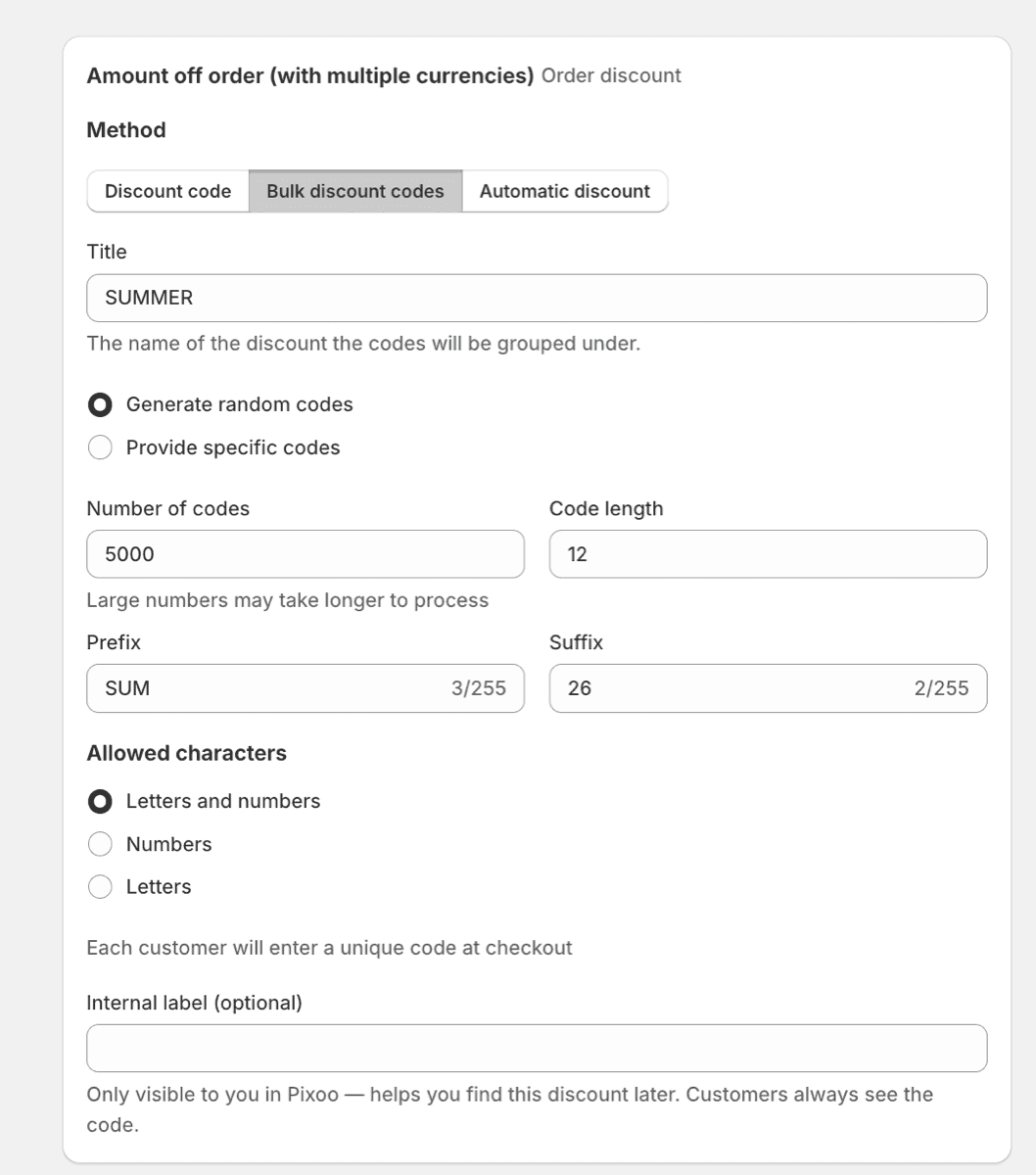
Three settings decide the shape of the batch:
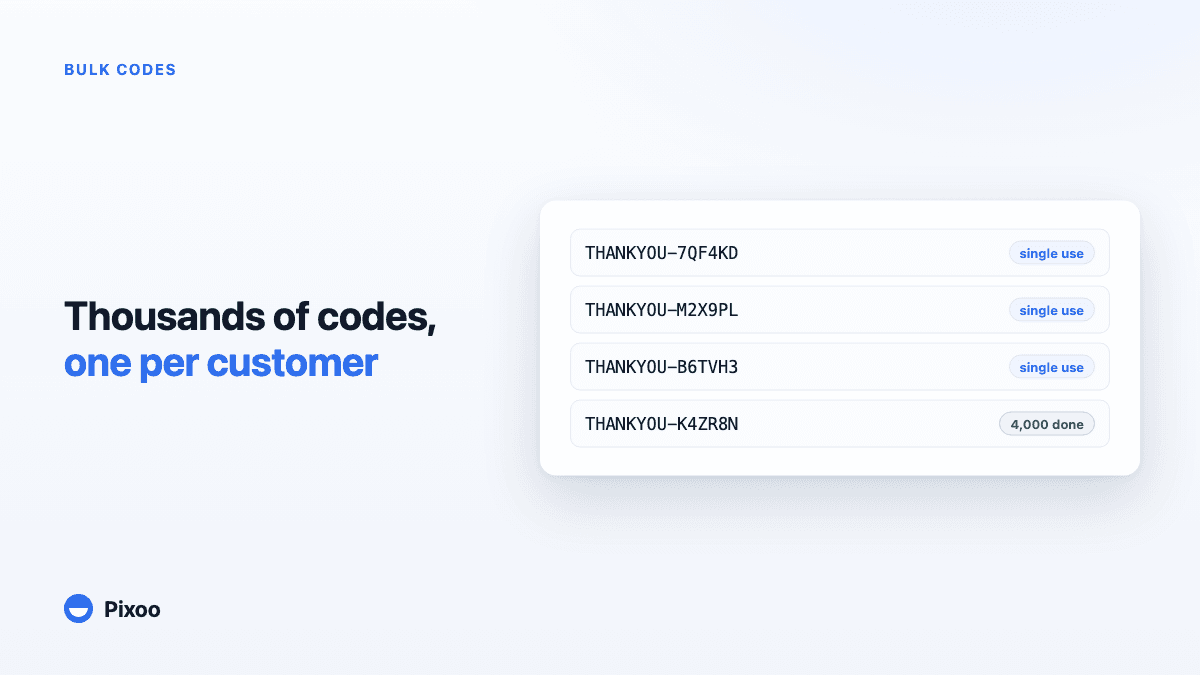
The prefix. Codes are generated as your prefix plus a random suffix, so THANKYOU-7QF4KD rather than something unreadable. Keep the prefix short and recognisable, because it is what a customer reads back to you on the phone and what you will filter on later when you want to know how the campaign performed.
The number of codes. This is the field that surprises people. It defaults conservatively, so if you are expecting thousands, set it deliberately. The cap is 100,000 codes per discount, which is our own ceiling rather than a Shopify one, chosen because a batch that size already takes a while to write and because very few campaigns genuinely need more.
Single use. For a per-customer campaign you almost always want each code limited to one use in total. This is what makes a leaked code harmless: it buys one order and then it is spent.
Once you start the job, generation runs in the background. You can close the tab, go back to the discount list, and the batch keeps building.
Large batches take minutes rather than seconds, and that is the honest answer, not a limitation we can design away. Which brings us to why.
The Part That Actually Breaks: Rate Limits
This is the part that catches out most people who try to script bulk codes themselves, so it is worth understanding even if you never write a line of code.
Shopify's API is rate limited, and discount mutations are not cheap. You cannot hand it ten thousand codes and walk away. Codes go up in batches of one hundred per API call, with a deliberate pause between batches, and any batch that fails is retried rather than silently dropped. Push harder and Shopify throttles you, which in the worst case leaves a half-written batch and no clear record of which codes made it.
So the slowness is not padding. It is the cost of a batch that finishes complete and correct. A ten thousand code job is a hundred API calls, paced, with retries in reserve. If you were building this yourself, this pacing logic and its failure handling would be most of the work, not the code generation.
The practical consequence for you is simple: start the batch before you need it, not while the campaign email is sitting in the composer waiting on a CSV.
Getting the Codes Into Your Campaign
Generated codes are worth nothing sitting in the Shopify admin. Three routes get them where they belong.
Export a CSV. The straightforward path for a one-off send. You get the full list, you merge it into your email tool, and every recipient receives their own code. This is what most seasonal and thank-you campaigns use.
Let Shopify Flow assign them. If codes should go out in response to something happening, a customer being tagged VIP, an order crossing a threshold, a subscription reaching its sixth month, Flow can generate a code at that moment and pass it into the email. No list, no merge, no leftover codes going stale. We covered these workflows in Shopify Flow discount automation.
Call the API. If codes need to appear inside your own product, a loyalty dashboard, a partner portal, an app, our REST API issues them on demand so your backend never has to hold a pile of pre-generated codes. That route is covered in generating codes from your own stack.
The rule of thumb: CSV for a campaign you send once, Flow for something that should happen every time a condition is met, API when the code belongs inside software you control.
Once the batch is out, the question becomes which of those codes actually got used. Reporting on a bulk batch works per individual code, so you can see the redemption rate of the batch as a whole and which specific codes are still sitting unused.
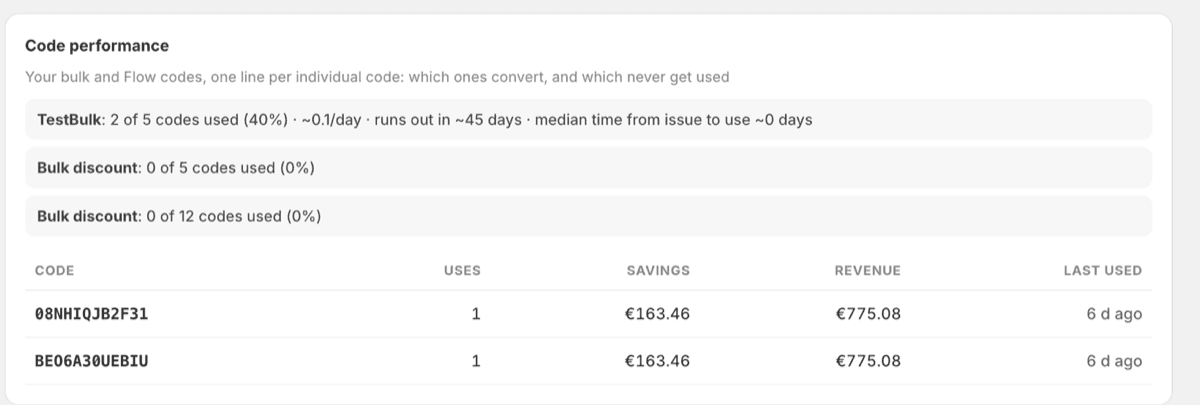
What to do with those numbers, and the reporting trap to avoid when you sell in several currencies, is covered in discount analytics, currency by currency.
Why Currency Matters More Than You Think
Here is where bulk codes and international selling collide, and where most bulk generators quietly fall down.
A batch of codes is only as good as the discount underneath it. If that discount is a native Shopify fixed-amount discount, you set one amount and Shopify converts it for everyone else. Your clean 10 euro thank-you becomes 11.63 dollars in the US, 8.42 pounds in the UK, and something with an awkward decimal in Japan. Multiply that across four thousand codes and you have sent four thousand slightly wrong offers, each one a small dent in how deliberate your brand looks.
Because a Pixoo bulk batch attaches to a multi-currency discount, you set the amount per currency once, and every code in the batch inherits it. Ten euros in the eurozone, ten pounds in the UK, fifteen dollars in the US, whatever you decide each market is worth. The customer sees a round, intentional number in their own money, and your margin is a decision rather than a consequence of yesterday's exchange rate. The mechanics of that are covered in our complete guide to multi-currency discounts.
The same applies to the conditions. A minimum spend of 50 euros should not become a minimum spend of 58.15 dollars just because a currency converter said so. Thresholds are set per currency for the same reason the discount is.
Frequently Asked Questions
How do I generate bulk discount codes on Shopify?
The Shopify admin has no bulk generator, so you either write against the Admin API using the discountRedeemCodeBulkAdd mutation, or use an app that wraps it. In Pixoo you set a prefix and a number of codes on the discount itself, and the batch generates in the background up to 100,000 codes per discount.
How many discount codes can a Shopify store have?
Shopify allows up to 20 million discount codes per store, so the platform is rarely the constraint. Pixoo caps a single bulk discount at 100,000 codes, which is a practical ceiling rather than a technical one, and you can create multiple bulk discounts if a campaign genuinely needs more.
Can I make each discount code single use?
Yes, and for per-customer campaigns you should. A single-use code is spent after one order, which means a leaked or shared code costs you exactly one discount instead of opening the offer to everyone who finds it on a deal site.
Why does generating thousands of codes take several minutes?
Codes are written to Shopify through a rate-limited API, in batches of one hundred with a pause between batches and retries for any batch that fails. Pushing faster gets the request throttled and risks a half-written batch, so the pacing is what guarantees the job finishes complete. Start large batches before you need them.
Can bulk codes be worth different amounts in different currencies?
Yes, if the underlying discount is multi-currency. A native Shopify fixed-amount discount converts a single amount at the live exchange rate, which produces uneven figures abroad. With a Pixoo discount you set the value per currency once and every code in the batch carries those amounts.
How do I send a unique code to each customer?
Export the batch as a CSV and merge it into your email platform so each recipient gets their own row, or let Shopify Flow generate and send a code at the moment a customer qualifies. Use the CSV for a one-off send and Flow for anything that should repeat.
The cosmetics brand got their four thousand codes, and the part they remember is not the generation. It is that nobody had to sit and click, and that a customer in Vienna and a customer in Toronto both opened an email offering a round number that made sense where they live. The codes were the easy part once the form stopped being the bottleneck.
Recommended Articles
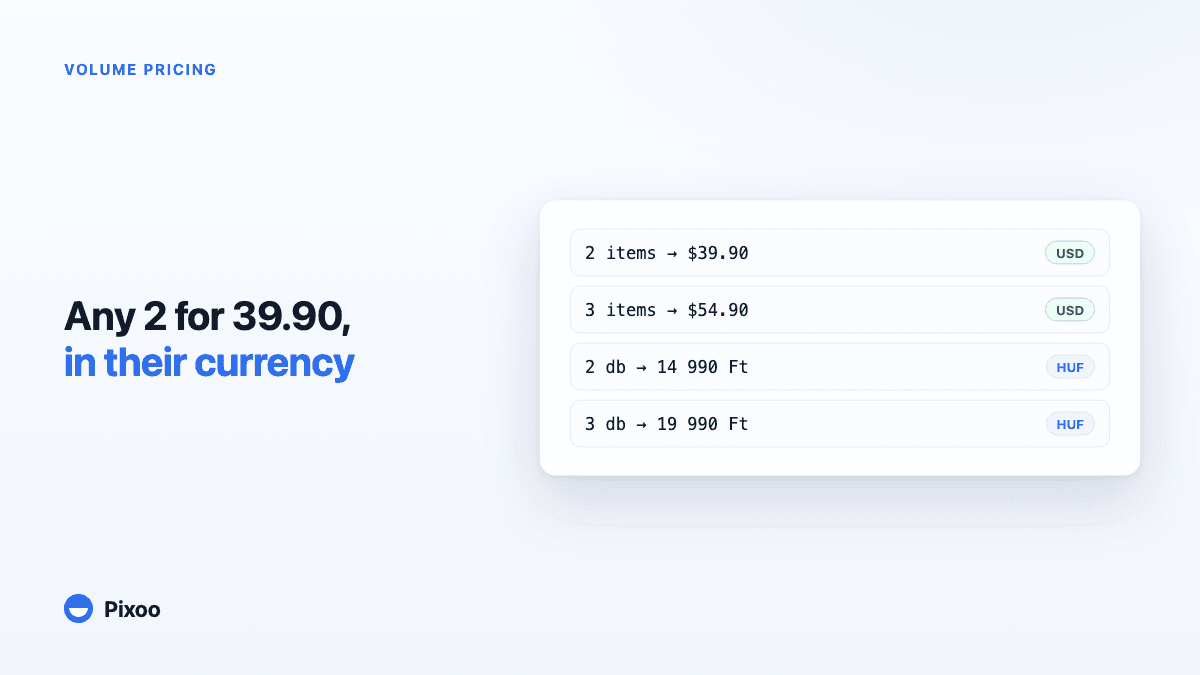
Shopify Volume Pricing in Every Currency: 2 for $39.90, 3 for $54.90, Without Converted Cents
A "2 for 30" offer only works if the price is round in every currency the shopper pays in. Here is why native Shopify discounts make that hard, and how Pixoo lets you type the price of the set per currency and works out the discount at checkout.
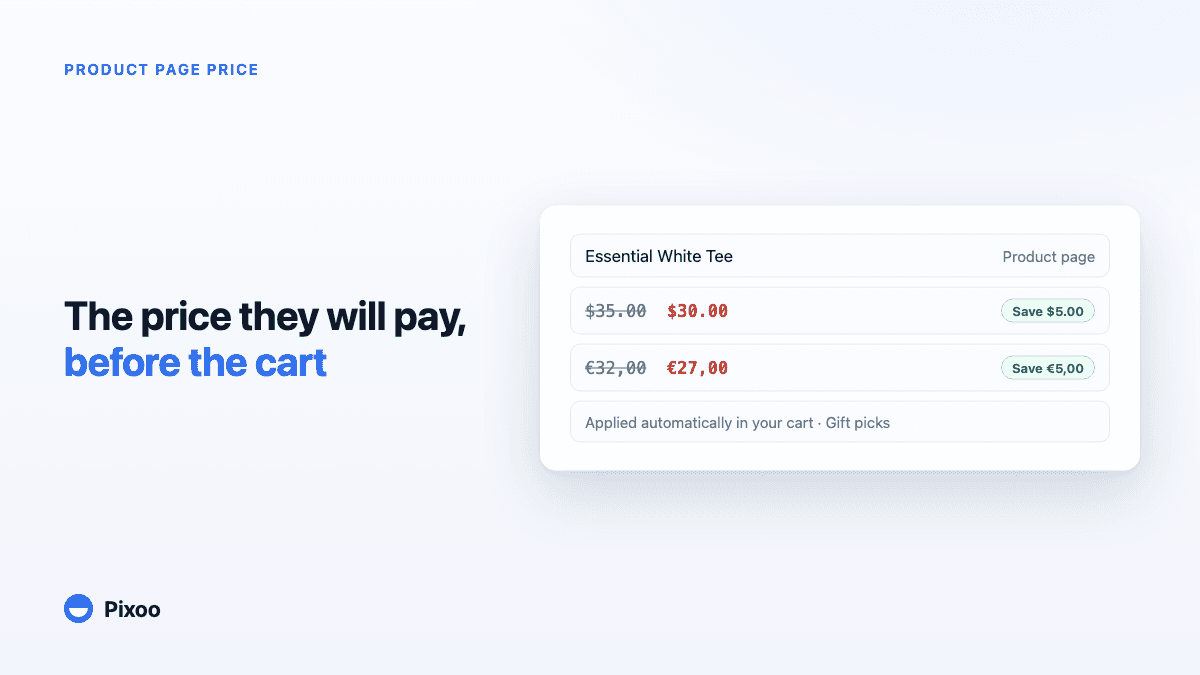
How to Show the Discounted Price on Shopify Product Pages, in Every Currency
An automatic discount on Shopify is applied in the cart, so the product page keeps showing the full price and most shoppers never learn there was a deal. Here is how to show the price they will actually pay, on the product page, in their own currency, without ever displaying a price the checkout will not honour.