Shopify Flow Discount Automation: Unique Codes on Autopilot and 12 Workflows Worth Copying

Pixoo
Multi-currency discounts for Shopify
Shopify Flow Discount Automation: Unique Codes on Autopilot and 12 Workflows Worth Copying
Key takeaways
- Shopify Flow is Shopify's free automation tool — and it can now start workflows from your Pixoo promotions (a code is redeemed, a free gift converts, a batch of codes finishes generating)
- It can also work the other way: any event in your store can ask Pixoo to generate a unique, one-off discount code and hand it to the next step — an email, an SMS, a support ticket
- Every code inherits your discount's multi-currency pricing: the same automation sends £10 off to London and €12 off to Paris, without a currency conversion in sight
- No code, no developer: workflows are built by clicking together triggers, conditions and actions in the Flow editor
In this guide:
- What Is Shopify Flow (60-Second Version)
- What Pixoo Adds to Flow
- Direction 1: React When Your Promotions Perform
- Direction 2: Generate a Unique Code From Any Event
- Tutorial: VIP Tag → Personal Code → Email
- 12 Workflows Worth Copying
- The Anti-Overflow Loop: Delete Codes as They Are Redeemed
- The Fine Print That Makes It Trustworthy
- FAQ
Every merchant runs the same loop by hand: launch a promotion, watch the orders, tag the customers who used it, thank the loyal ones, follow up with the team. Each step is small; together they quietly eat hours every week — or worse, they simply don't happen. Discount automation is how stores escape that loop, and with Pixoo's Shopify Flow integration, your promotions become something the rest of your stack can react to and drive — automatically.
What Is Shopify Flow (60-Second Version)
Shopify Flow is Shopify's own automation app — free, and available on every paid Shopify plan. You build workflows: a trigger (something happens), optional conditions (only if…), and actions (do this). "When an order is created, if it's over €500, tag the customer big-spender and message the team" is a classic three-block Flow workflow, built entirely by clicking — no code.
Out of the box, Flow knows about Shopify's own events: orders, customers, inventory, fulfilment. What it doesn't know about is your promotions engine — which codes were redeemed, which gift offers actually converted, when your influencer campaign's codes are ready. That's the gap the Pixoo integration closes.
What Pixoo Adds to Flow
Install Pixoo and five new blocks appear in your Flow editor: three triggers and two actions.
| Block | Type | What it gives your workflow |
|---|---|---|
| Pixoo discount code redeemed | Trigger | Fires when an order is paid using a Pixoo code. Exposes the full customer and order objects, plus discountTitle, discountCode, savingsAmount (real money saved, in the buyer's currency) and currency |
| Pixoo free gift redeemed | Trigger | Fires when an order containing an auto-added free gift is paid. Exposes customer, order, gift product, quantity and savings |
| Pixoo bulk codes generated | Trigger | Fires when a batch of codes finishes generating. Exposes discountTitle, discountId and codesCount |
| Pixoo: Generate unique discount code | Action | Creates one brand-new, unique code on a bulk discount of your choice — and returns the code so later steps can use it |
| Pixoo: Delete discount code | Action | Removes one code from a bulk discount and frees its place under the 100,000-code cap. Hand it {{ discountCode }} from the code redeemed trigger and a single-use campaign never fills up. Codes that belong to other discounts are left alone |
Two details in that table do a lot of heavy lifting. First, the triggers pass Flow a reference to the customer and order — so inside your workflow you can use everything Shopify knows about them (tags, order history, total spent, marketing consent), not just what Pixoo sends. Second, savingsAmount is the actual money saved on that order, in the currency the customer paid in — not the discount's configured value. A "10% off" code on a €220 order reports €22.00, so a condition like "only when savings exceed €20" means exactly what it says.
Direction 1: React When Your Promotions Perform
The first family of workflows starts from Pixoo and fans out into your operations:
The moment an order paid with one of your codes lands, your workflow can tag the buyer, post to Slack, update a spreadsheet, subscribe them to a follow-up — anything in Flow's action library, from any app you've installed:
- Segment your promotion buyers automatically. Tag every customer who redeems a code with
promo-buyer(or a tag per campaign). Those tags feed customer segments, which feed your email platform — no export, no VLOOKUP. - Measure gift conversion, not just gift cost. When a free gift offer converts into a paid order, tag the customer
gift-converted. In a month, you'll know whether the gift crowd reorders more — with data instead of a hunch. - Keep the team in the loop without dashboards. An influencer's code getting redeemed is a signal marketing wants now. A Slack message per redemption (or per redemption over a threshold) beats a weekly report.
- Know the moment your campaign is ready. Generating 5,000 unique codes for a partner campaign takes a while. The bulk codes generated trigger emails your team the instant the batch completes — with the discount's name and the exact count.
Direction 2: Generate a Unique Code From Any Event
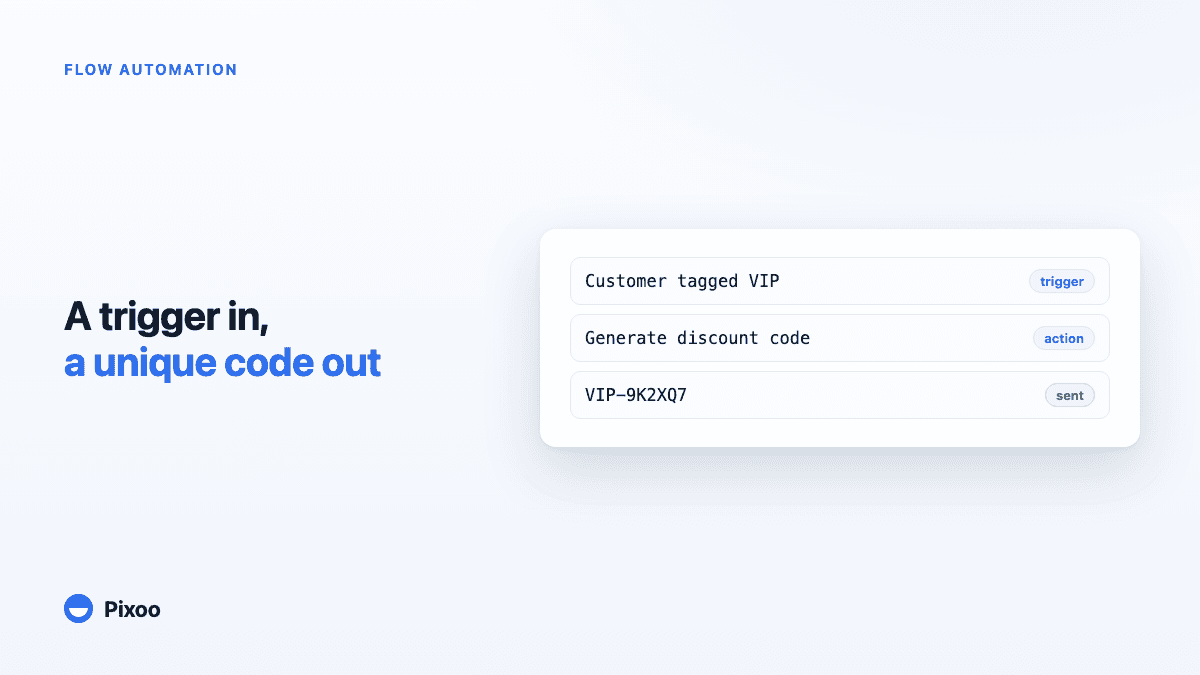
The second direction is the one that changes what promotions are. Instead of one shared code blasted to everyone, any event in your store can mint a personal, one-off code for one customer:
VIP-8FK2QX
Here's why this beats a shared THANKYOU15 code every time:
- Unique means measurable. One code, one customer. Redemption attribution is exact, and codes can't leak to coupon sites — a shared code posted on a deal forum can cost thousands; a one-off code is worthless to anyone else.
- Personal means it converts. "Here is your code, Nora" reads like a gesture. "Use code SALE15" reads like a campaign.
- Multi-currency means it's correct everywhere. This is Pixoo's home turf: the generated code belongs to a Pixoo bulk discount, so it inherits your per-currency values — clean amounts in every market, not awkward conversions. One workflow serves your London, Paris and Tokyo customers with prices that look deliberate in each place. No native Flow action can do that.
- Composable means it goes anywhere. The action returns the code to the workflow. The next step can drop it into a marketing email, an SMS, a support macro, a printed insert order — anything that accepts a variable.
And because the trigger side is any Flow trigger — Shopify's or another app's — the possibilities compound: loyalty apps, review apps, subscription apps, helpdesk apps… anything that can start a workflow can now end it with a personal discount code.
Tutorial: VIP Tag → Personal Code → Email in Five Minutes
Let's build the classic one, end to end. Goal: whenever a customer earns the VIP tag, they receive an email with a personal code.
Before you start (once): in Pixoo, create a bulk discount to host the generated codes — say, "VIP Rewards", 10% off, with per-currency values if you sell in several currencies. This discount is the pricing template every generated code will follow.
- Open Shopify Flow → Create workflow → Select trigger → choose Customer tags added.
- Add a condition:
tagscontainsVIP— so only that tag starts the workflow. - Click + → Action → find the Pixoo Discounts section → Generate unique discount code.
- In the action's configuration, type the discount title exactly:
VIP Rewards, and optionally a code prefix likeVIP-. (Typo in the title? Flow tells you when you save — the integration validates it against your actual Pixoo discounts.) - Add the final action: Send marketing email (or your email app's action). In the body, insert the variable from the Pixoo step:
{{ code }}→ it renders as something likeVIP-8FK2QX. - Name the workflow, turn it on, and tag a test customer
VIP. Within seconds: a fresh code exists on your VIP Rewards discount, and the email is on its way.
From now on, "reward our VIPs" is not a task — it's a property of your store.
12 Workflows Worth Copying
A dozen combinations merchants can build today, grouped by goal. Every one of these is trigger → (condition) → action, assembled in minutes:
Loyalty & appreciation
- Customer tags added: VIP → Pixoo generates a code → email "a little thank-you" with
{{ code }} - Order paid + condition this is their 5th order → Pixoo generates a code → SMS with the personal code
- Customer created (post-first-purchase) → wait 30 days → Pixoo generates a code → "we miss you" win-back email
Reviews & advocacy
4. Review submitted (your review app's trigger) + condition rating ≥ 4 → Pixoo generates a code → thank-you email
5. Pixoo discount code redeemed → tag customer promo-buyer → your email platform enrols them in a "deal lovers" series
Gift & promotion intelligence
6. Pixoo free gift redeemed → add tag gift-converted → measure repeat-purchase rate of gift receivers vs. everyone else
7. Pixoo discount code redeemed + condition savingsAmount > 50 → notify #sales on Slack ("big redemption just landed")
8. Pixoo free gift redeemed → append a row to a Google Sheet: order, gift, savings — a living gift-ROI report
Operations
9. Pixoo bulk codes generated → internal email "campaign codes are ready" with {{ discountTitle }} and {{ codesCount }}
10. Pixoo bulk codes generated → Slack message to the partnerships channel so the influencer kit goes out same-day
11. Pixoo discount code redeemed → add an order note with the campaign name — support sees the promotion context on every ticket
Recovery
12. Checkout abandoned + condition cart value > €150 → Pixoo generates a code (small, personal nudge) → recovery email with {{ code }} — a one-off code you can cap, rather than a shared code that trains everyone to abandon
If several of these run at once, they don't step on each other — each workflow listens to its own trigger, and each generated code lives on whichever discount you pointed it at.
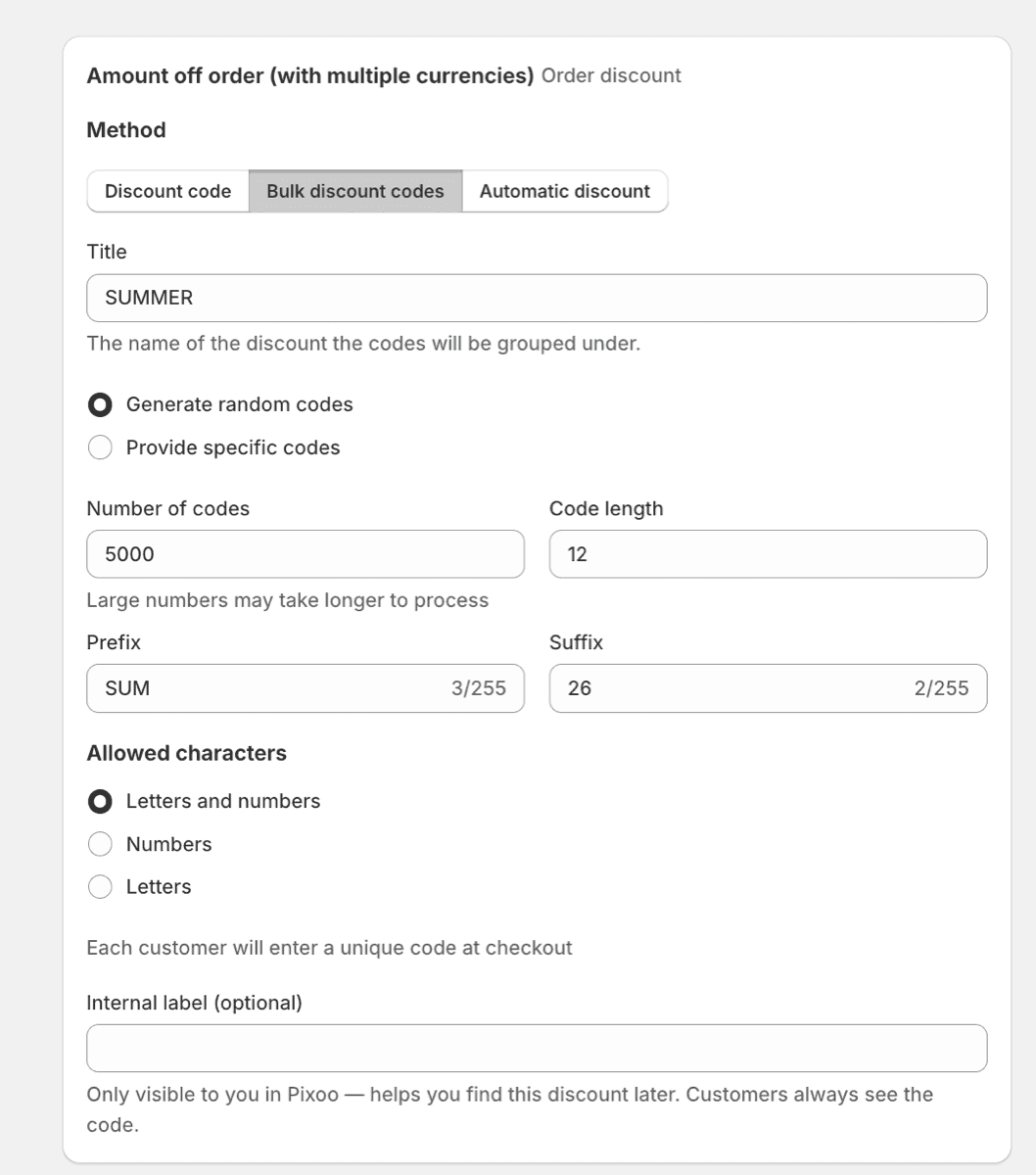
If you need the codes as a batch rather than one per event, see how to generate thousands of unique discount codes.
The Anti-Overflow Loop: Delete Codes as They Are Redeemed
Single-use codes have a quiet side effect: they pile up. A loyalty programme that mints a personal code for every member, a partner kit that ships a fresh batch every month, a win-back series that hands out one code per email. Each code is used once, or never, and then just sits on the discount. A Pixoo bulk discount holds up to 100,000 codes, and a programme that adds a few thousand a month is closer to that ceiling than it looks. One merchant we work with rotates codes at that scale and asked for exactly this: a way to take a code off the discount the moment it has done its job, without writing a line of code.
That is what Pixoo: Delete discount code is for. The workflow is two blocks long:
Pixoo discount code redeemed → Pixoo: Delete discount code with Discount code set to {{ discountCode }}
Leave the optional Pixoo discount title empty and the action finds the right discount on its own, because a code identifies exactly one discount in your store. Fill it in only when you want a guard: the code is then deleted only if it belongs to the bulk discount with that exact title.
Three details worth knowing before you switch it on:
- The order is not touched. Deleting a redeemed code removes it from the discount for future checkouts. The order that just used it keeps its discount, as Shopify always does.
- Ordinary codes are ignored, not failed. The trigger fires for every Pixoo code, including codes that are not part of a bulk discount. For those, the action reports
deleted: falseand the run still succeeds, so one workflow can sit on the trigger for the whole store. A later step can branch on{{ <step>.deleted }}if you want to log or notify. - The slot is freed for real. The deleted code counts against the cap no more, so the same discount can keep receiving new codes from the generate action, or from a scheduled batch, indefinitely.
If you would rather do this from your own systems, the Pixoo API exposes the same deletion as a background job. The Flow action is the no-code version of that loop.
The Fine Print That Makes It Trustworthy
Automation you can't trust is automation you turn off. A few deliberate behaviours worth knowing:
- One event, one run. Shopify sometimes delivers the same order event twice; Pixoo deduplicates, so your customer is never tagged twice or — worse — emailed twice for one order.
- One request, one code. If Flow retries a slow request, Pixoo recognises the retry and returns the same code instead of minting a second one. Your discount doesn't fill up with orphan codes.
- Configuration errors surface at save time. Mistype the discount title in the action and the Flow editor shows the error when you save the workflow — not as a silent failure at 2 a.m.
- Guest-less orders are skipped, visibly. Flow workflows built on customer triggers need a customer; the rare order without one (some draft and API orders) is skipped and listed in Pixoo's activity feed, so "missing" runs are explained, never mysterious.
- Built for volume, gentle on your store's API. Every Shopify store has an Admin API budget. When a workflow fires hundreds of times a minute and that budget runs dry, Pixoo does not fail the run: it tells Flow exactly when to try again, and the code is generated a few seconds later. Genuine configuration errors (a mistyped title, a full discount) are still reported immediately, so you never mistake a busy store for a broken workflow.
- You can watch it work. Pixoo's Integrations → Shopify Flow page shows each trigger's recent fires and each action run — what happened, for which order, worth how much.
When the trigger lives in your own software rather than in Shopify, the discount code API covers the same ground from your backend.
Frequently Asked Questions
Is Shopify Flow free? Do I need Shopify Plus?
Flow is free and works on every paid Shopify plan — Basic included. Pixoo's triggers and action are available wherever Flow runs; you don't need Shopify Plus.
Do I need to write code to use this?
No. Workflows are assembled visually in the Flow editor. The only "technical" act is typing your discount's title into the action's configuration — and the integration checks it for you when you save.
What exactly can my workflows see from Pixoo?
Triggers expose the customer and order as full Shopify objects (so conditions can use tags, spend, history…), plus the promotion context: discount title, code, gift product, quantity, the real amount saved, and its currency. The generate-code action returns code and discountTitle for later steps.
Is the "amount saved" in my currency or the customer's?
The customer's. savingsAmount is what the buyer actually saved in the currency they paid in — a French order reports euros, a UK order pounds. For conditions on a single threshold across markets, remember the number is presentment-currency, which is almost always what you want a customer-facing rule to mean.
Can Flow create a whole new discount, not just a code?
No — by design. A Pixoo discount carries per-currency values, item selections and combinability rules that deserve a real form, not a workflow field. The action generates codes on a discount you configured once — which covers the automation cases (personal codes at scale) without letting a workflow silently create mispriced promotions.
How many codes can one discount hold?
Up to 100,000 codes per discount, generated codes included. The generate action refuses politely (with a visible error in Flow) rather than overflowing the cap. To keep a discount from ever getting there, chain Pixoo discount code redeemed to Pixoo: Delete discount code: each redeemed code is removed and its place is freed, so a single-use programme runs on the same discount indefinitely.
What happens if my workflow fires hundreds of times a minute?
It keeps working. Bursts like that (a bulk tag on thousands of customers, a flash sale) can exhaust your store's Admin API budget for a few seconds. When that happens, Pixoo asks Flow to retry the run after a short wait instead of failing it, and Flow does so automatically. You will see the runs complete a little later in Flow's run history, each with its own code. Only real configuration problems show up as errors.
What happens if I uninstall Pixoo?
Workflows using Pixoo triggers stop firing, and workflows using the action fail with an explicit message in Flow's run log — nothing breaks silently, and your other workflows are untouched.
Your Promotions, On Autopilot
Discounts used to be something you operate: create, announce, watch, follow up. Connected to Shopify Flow, they become something your store does on its own — rewarding the right customer at the right moment with a code that's personal, trackable, and priced correctly in every currency you sell in.
The integration ships with Pixoo Multi-Currency Discounts on all plans. Install both apps, open the Flow editor, and your first workflow is about five minutes away — workflow #1 up there is a very good place to start.
Recommended Articles
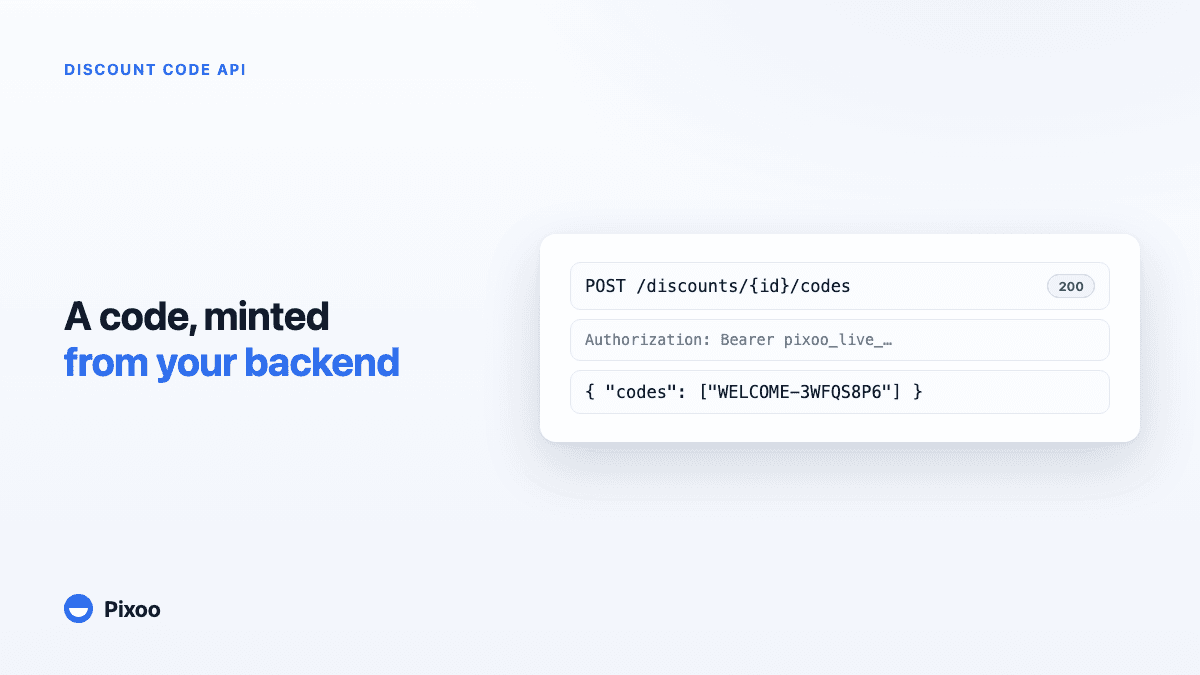
The Shopify Discount Code API: Generate, Track and Recycle Codes From Your Own Stack
When a code has to be issued the moment something happens in your own software, a CSV is useless. Mint unique codes on demand, react to redemptions in real time, and recycle used ones so a rotating campaign never hits the ceiling.
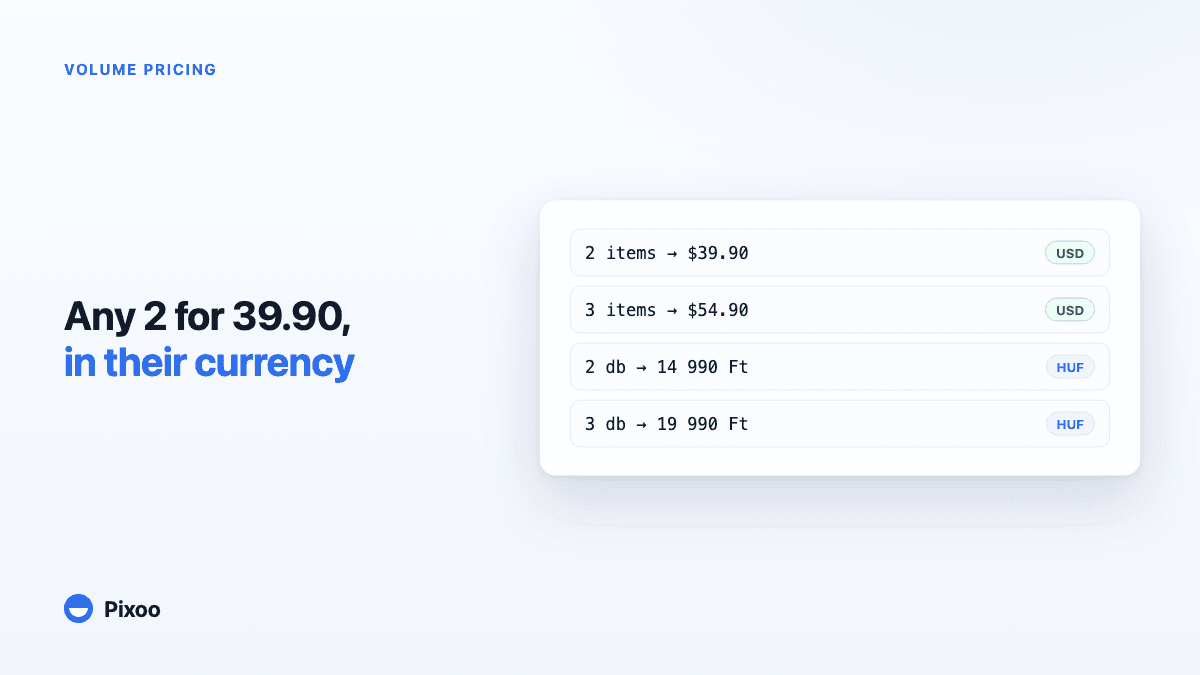
Shopify Volume Pricing in Every Currency: 2 for $39.90, 3 for $54.90, Without Converted Cents
A "2 for 30" offer only works if the price is round in every currency the shopper pays in. Here is why native Shopify discounts make that hard, and how Pixoo lets you type the price of the set per currency and works out the discount at checkout.