The Shopify Discount Code API: Generate, Track and Recycle Codes From Your Own Stack

Pixoo
Multi-currency discounts for Shopify
The Shopify Discount Code API: Generate, Track and Recycle Codes From Your Own Stack
Key takeaways
- A pre-generated list breaks down as soon as the code has to be issued at the moment something happens in your own software
- Mint a unique code synchronously and get it back in the same response, so a signup can receive its code in one request
- Recycle redeemed codes automatically, so a rotating campaign never fills up its discount
- Webhooks close the loop: your backend hears about a redemption instead of polling for it
- Codes stay multi-currency, carrying the right value in every market, and the API is on the Enterprise plan
In this guide:
- The Membership Programme That Ran Out of Room
- When a Code Has to Come From Your Software
- What the API Actually Does
- Getting a Key
- A Unique Code, Minted the Moment You Need It
- Never Hit the Code Ceiling Again
- Built for Real Time: Webhooks
- The Limits Worth Knowing Before You Build
- FAQ
A merchant running a membership programme issues one code per member per month. Nothing exotic. The codes go out with the monthly email, each good for a single order, and members who forget to use theirs simply lose that month's perk.
The mechanic worked. The accounting of it did not. Every month added thousands of codes to the same discount, and almost none ever came back off. Unused codes are not harmless: they pile up against the ceiling of how many codes one discount can hold, and after a while the programme was closer to that ceiling than to its next renewal. The fix was not a bigger ceiling. It was a loop: when a code is redeemed, delete it, so the discount only ever carries codes that are still live.
That loop cannot be built from a CSV export. It needs software talking to software.
When a Code Has to Come From Your Software
Bulk generation covers most campaigns. You decide you want four thousand codes, you generate them, you export the list, you merge it into an email. We covered that route in generating thousands of unique discount codes, and for a one-off send it remains the right tool.
It stops being the right tool the moment a code has to appear at a specific instant, in a place you control:
- A loyalty dashboard where a member spends points and expects a code on screen, immediately
- A partner portal that issues each affiliate their own code at signup
- A helpdesk where an agent compensates a customer during the conversation
- A subscription platform rewarding the sixth renewal, on the day it happens
- Any recycling loop like the one above, where redeemed codes have to be cleaned up
In each case a pre-generated list is either a security problem, since you are holding thousands of live codes in your own database, or a staleness problem, since you cannot tell which are still valid. Issuing on demand solves both.
Shopify Flow covers the middle ground, where the trigger is a Shopify event and the code goes out by email. We wrote that up in Shopify Flow discount automation. Reach for the API when the trigger lives in your software rather than in Shopify, or when the code has to be returned to a screen rather than sent in a message.
What the API Actually Does
A quick tour of the surface, so you can see where it fits:
- Generate unique codes on demand. Ask for 1 to 10 codes and get them back in the response, synchronously. No polling, no waiting.
- Generate in bulk. Queue up to 100,000 codes on a single discount and follow the batch until it is ready.
- Recycle codes. Delete redeemed codes so the discount never fills up. The quiet hero, and the reason for the story above. (No developer on hand? The same loop exists as a Shopify Flow action, see the Flow guide.)
- Create discounts. Spin up any of the four Pixoo discount types (product, order, shipping, buy X get Y) straight from an API call.
- Read your results. List redemptions, or pull per-currency aggregates that are never converted into a single reporting currency.
- React to events. Subscribe to webhooks and get a signed payload the instant a code is redeemed or a batch finishes.
It is REST over plain HTTPS with a bearer key. If you can send a POST request, you can use it.
Being fair to Shopify here matters, because the platform is not the obstacle. Shopify's own Admin API can attach codes to a discount, and a store can hold up to 20 million of them. What you take on by going direct is OAuth rather than a key, GraphQL rather than REST, plus rate limiting, retries and your own idempotency. That is a week or two of engineering and maintenance forever after, before you issue a single code. For some teams that is the right call. This is the other side of the trade.
Getting a Key
The API ships with the Enterprise plan, and keys are created in the app rather than requested from us. Open Integrations, then Pixoo API.
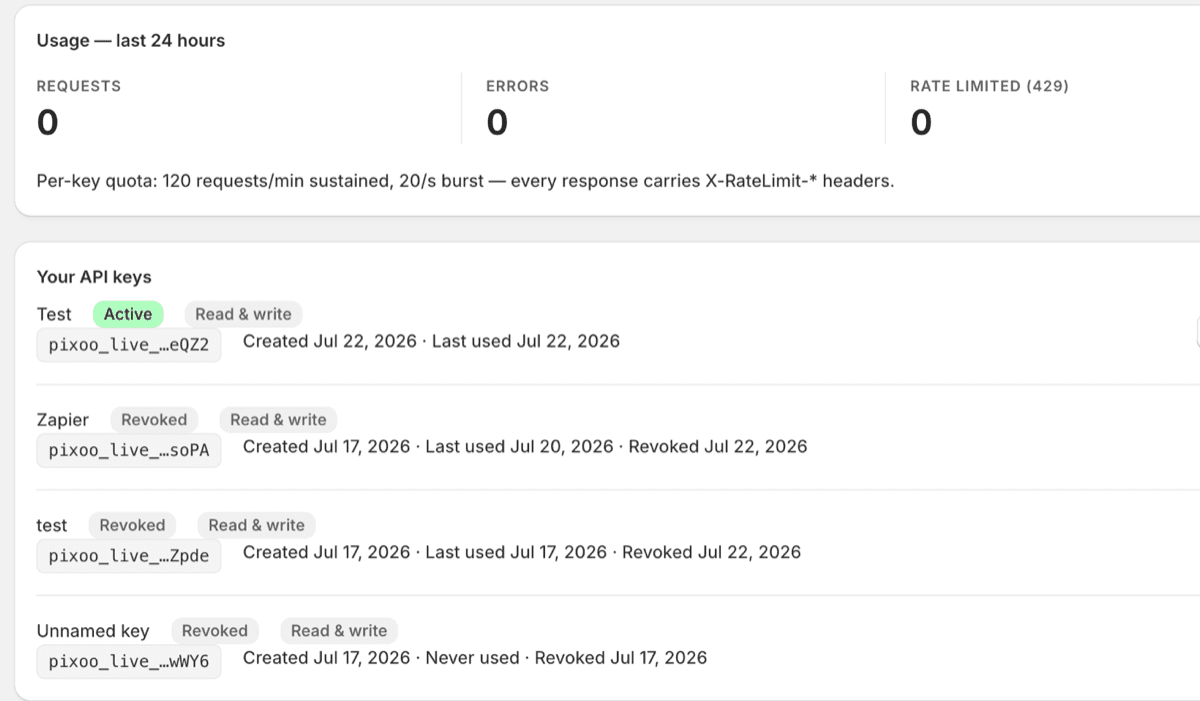
Every key is either read and write or read only, and the distinction is worth using. A key that only reads redemptions for a nightly report has no business being able to create discounts. If it leaks from a log or a config file, the blast radius is a data read rather than a stranger minting codes against your store.
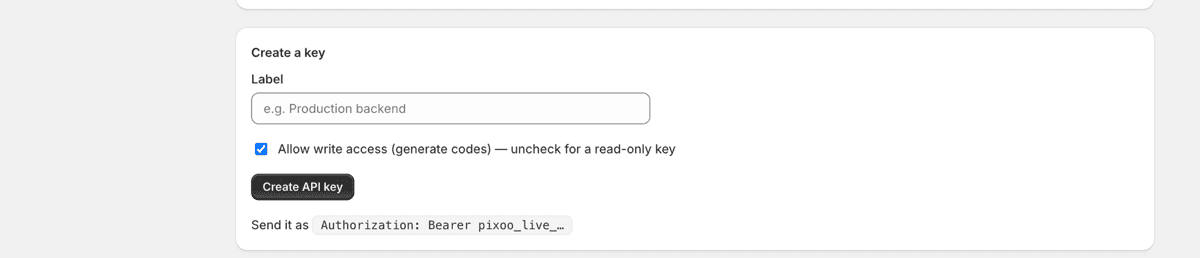
Keys carry a label so you can tell staging from production, and can be revoked one at a time. Send it as a bearer token, and call GET /whoami first to confirm the key works and see what it is allowed to do:
curl "https://api.pixoo.app/api/v1/whoami" \
  -H "Authorization: Bearer pixoo_live_..."
A Unique Code, Minted the Moment You Need It
Here is the request most teams reach for first. A shopper joins your list, your backend calls one endpoint, and a fresh code comes straight back:
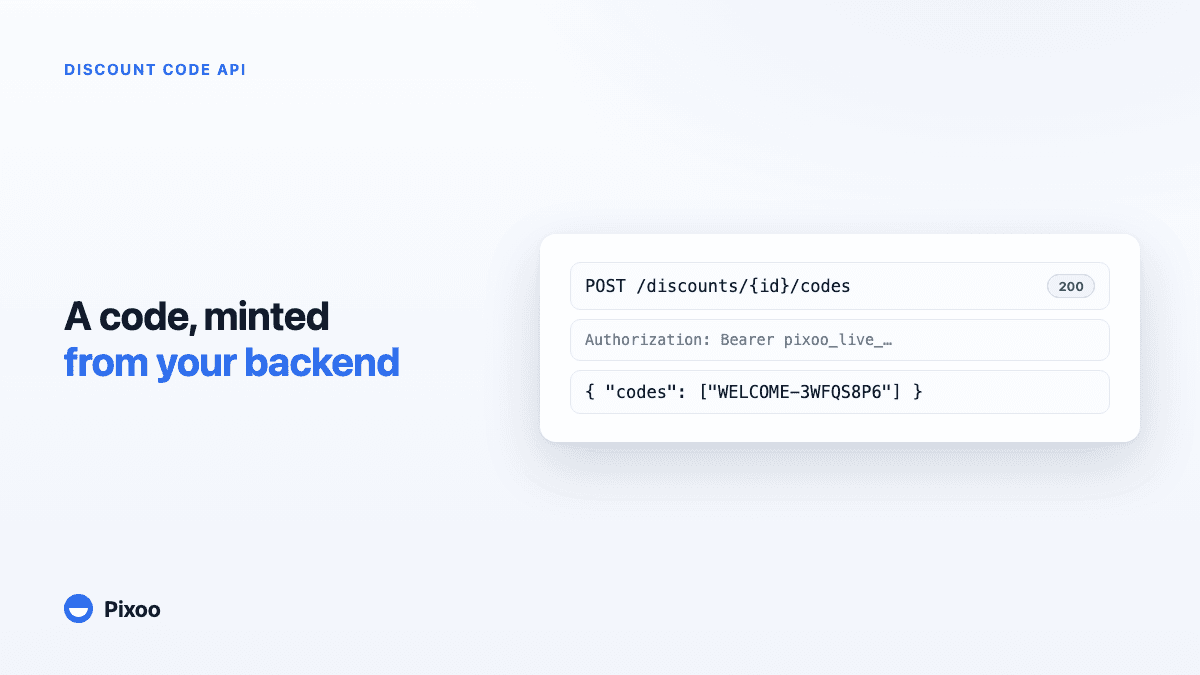
curl -X POST "https://api.pixoo.app/api/v1/discounts/1234567890/codes" \
  -H "Authorization: Bearer pixoo_live_..." \
  -H "Idempotency-Key: signup-48213" \
  -H "Content-Type: application/json" \
  -d '{ "quantity": 1, "prefix": "WELCOME-" }'
{ "codes": ["WELCOME-3WFQS8P6N0CO"] }
Because it is synchronous, the code is in your hands in the same request. Your welcome email carries a genuinely unique code rather than a shared one that leaks across the internet by lunchtime. One shopper, one code, issued the second they earn it.
Note the Idempotency-Key, and always send one. If the request times out and you retry, that header is what guarantees you get the original code back instead of minting a second one. It is the single detail separating an integration that survives a bad network day from one that quietly doubles its output.
For thousands of codes, use POST /discounts/{id}/code-batches instead. It returns a batch id rather than the codes, because writing thousands of codes through a rate-limited API takes minutes. Only one batch runs per discount at a time, so a second request while one is processing comes back as a clean 409 rather than quietly interleaving.
Five things teams automate with it
- Welcome codes for new subscribers. New signup, unique code, first message. Nothing to screenshot and share.
- Loyalty rewards. A shopper hits their fifth order, your backend mints a thank-you code and sends it.
- Per-partner codes. Every influencer gets their own code from a signup form, tracked on its own.
- Make-good codes from support. Your helpdesk resolves a ticket and hands over a one-time code, without an agent touching the Shopify admin.
- Automatic cleanup. Recycle redeemed codes so a long-running campaign stays healthy.
Never Hit the Code Ceiling Again
Bulk discounts have a limit on how many codes they can hold. On a rotating campaign that mints codes every day, that ceiling creeps closer with every redemption, because used codes keep taking up space.
The API turns that into a background task. Listen for the code.redeemed webhook, collect the codes that have been used, and delete them:
curl -X POST "https://api.pixoo.app/api/v1/discounts/1234567890/code-deletions" \
  -H "Authorization: Bearer pixoo_live_..." \
  -H "Content-Type: application/json" \
  -d '{ "codes": ["WELCOME-3WFQS8P6N0CO"] }'
Deletion runs as a background job and returns an id you can check, for the same rate-limit reasons as generation. The discount frees up capacity as fast as it is used, and the campaign runs indefinitely without anyone watching a counter.
Built for Real Time: Webhooks
Polling works and wastes everyone's requests. Subscribe instead, and your backend hears about events as they happen:
code.redeemedwhen a shopper uses one of your codescode_batch.completedwhen a bulk generation finishesgift.redeemedwhen a buy X get Y gift is claimed
Each delivery is signed, so you can verify it really came from Pixoo. You can hold up to ten active webhooks per shop, and re-subscribing the same endpoint to the same event is idempotent, so a redeploy that re-runs your setup script will not leave you with duplicates. If your receiver ever goes down, a pollable events feed lets you catch up on anything you missed.
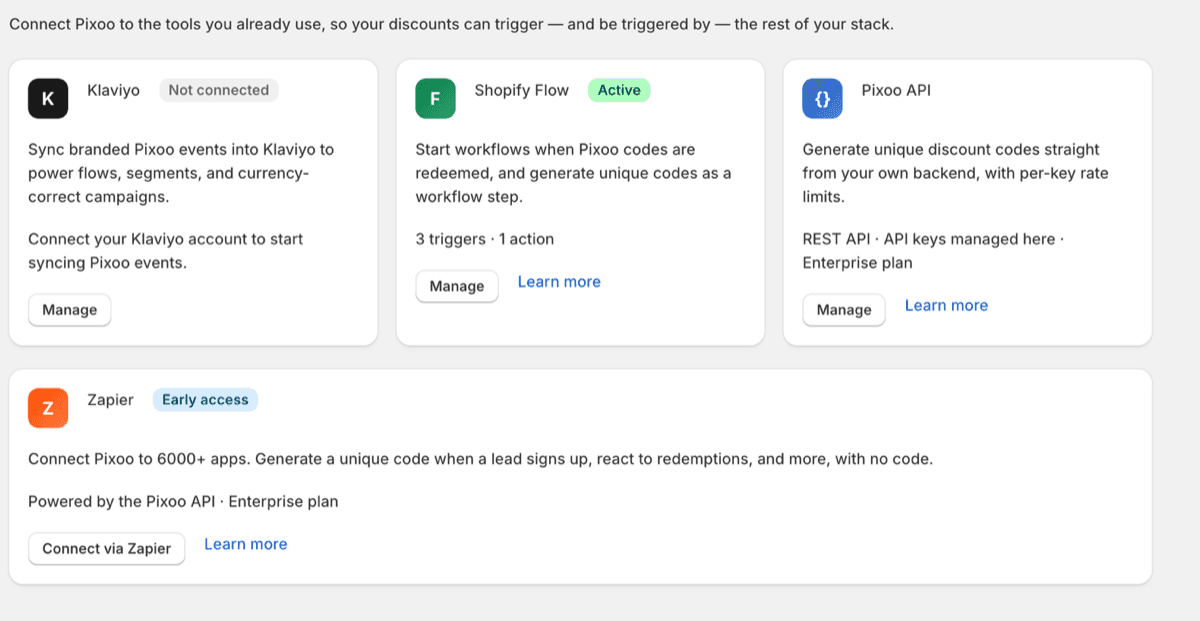
If the loop you want is a common one and you would rather not host anything, Zapier sits on the same API and covers a good share of these patterns without code.
The Limits Worth Knowing Before You Build
Four things worth reading before you design around them rather than after.
Rate limits. Each key gets 120 requests per minute sustained, with a burst of 20. Every response carries X-RateLimit-* headers, so you back off on the numbers rather than on guesswork. Generous for event-driven issuance, and deliberately not a bulk-loading channel, which is what code batches are for.
Codes belong to a discount. You are not creating standalone codes, you are adding codes to an existing Pixoo discount that already carries the rules: amounts per currency, market targeting, conditions. That is the point rather than a limitation. A code issued from your backend at three in the morning still gives ten euros in the eurozone and fifteen dollars in the US, because the multi-currency discount underneath it says so. Your code never has to know anything about exchange rates, which is the part other tools miss.
Errors are boring on purpose. Every failure comes back as clean JSON with a code you can branch on, rather than an HTML page or a stack trace.
It is versioned. The base path carries /v1 and the contract behind it is frozen: fields get added, they do not get removed or renamed underneath you.
The full reference, with copy-paste examples in curl, JavaScript and Python, lives in the developer documentation.
If the codes you issue are shared rather than single-use, knowing when one has leaked is the other half of the job.
Frequently Asked Questions
Is there a Shopify discount code API?
Yes. Shopify's own Admin API can create discount codes through GraphQL mutations, but you authenticate as an app through OAuth and handle rate limiting, retries and idempotency yourself. The Pixoo API wraps the same capability in REST with a bearer key, and is included in the Enterprise plan.
How do I generate a Shopify discount code programmatically?
Call POST /discounts/{id}/codes against an existing Pixoo discount, with your key as a bearer token and an Idempotency-Key header. Between 1 and 10 codes come back in the response, which is what you want when a screen is waiting on them. For thousands, use POST /discounts/{id}/code-batches and wait for the code_batch.completed webhook.
Can I be notified when a discount code is used?
Yes. Subscribe to the code.redeemed webhook and your endpoint is called as redemptions happen, with a signed payload so you can verify it. A pollable events feed exposes the same stream if an inbound webhook is awkward on your infrastructure.
What are the API rate limits?
120 requests per minute sustained per key, with a burst of 20, and every response carries X-RateLimit-* headers so you can back off precisely. Mass generation is routed through asynchronous batches rather than through the request path.
Do API-generated codes work with multi-currency discounts?
Yes, and it is the reason codes attach to a discount rather than exist standalone. The code inherits the per-currency amounts and market rules already set on the discount, so a code issued from your backend is worth the right amount in each market without your code knowing anything about currencies.
How do I stop unused discount codes piling up?
Delete them as they are redeemed. Subscribe to code.redeemed, then call POST /discounts/{id}/code-deletions for the code that was just used, so the discount only ever holds codes that are still live. Deletion runs as a background job and returns an id you can check.
The membership programme in the opening is still issuing one code per member per month. What changed is that the codes now leave as quickly as they arrive, and nobody has to think about a ceiling. That is usually the shape of it: the interesting part is not generating a code, it is what happens to it afterwards.
Recommended Articles
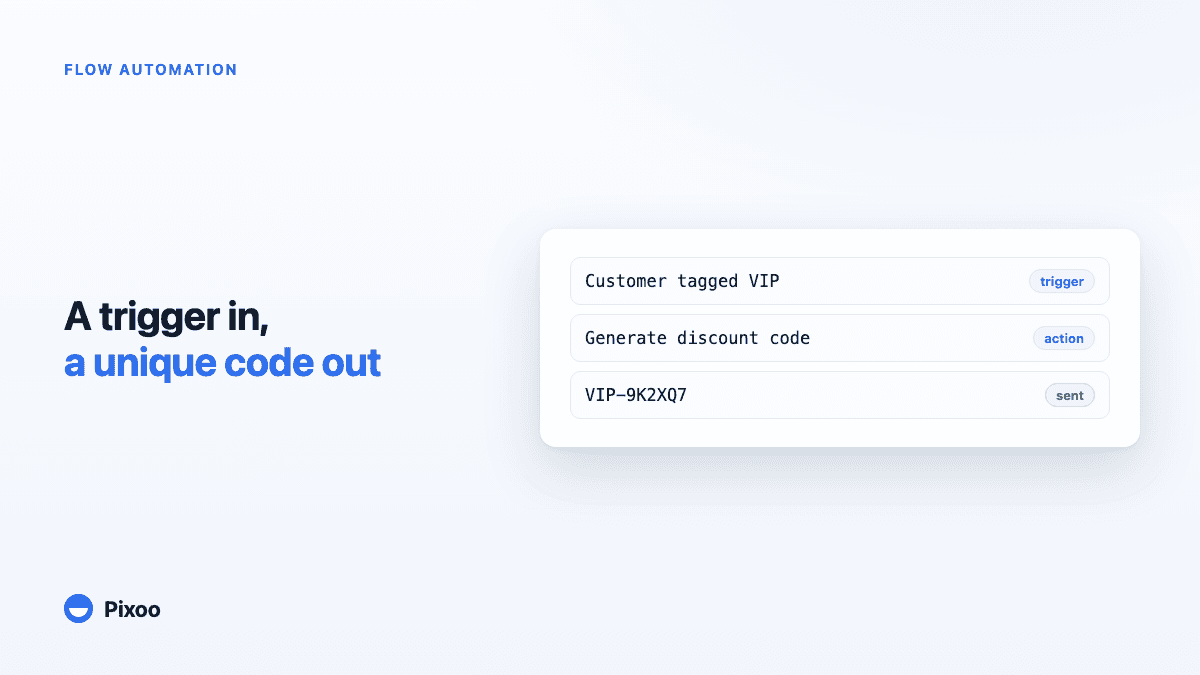
Shopify Flow Discount Automation: Unique Codes on Autopilot and 12 Workflows Worth Copying
Shopify Flow can now react to your Pixoo promotions — and generate one-off, multi-currency discount codes from any event in your store. Here is how the integration works, what data it exposes, and 12 ready-to-build workflows: VIP rewards, win-backs, review thank-yous, and more.
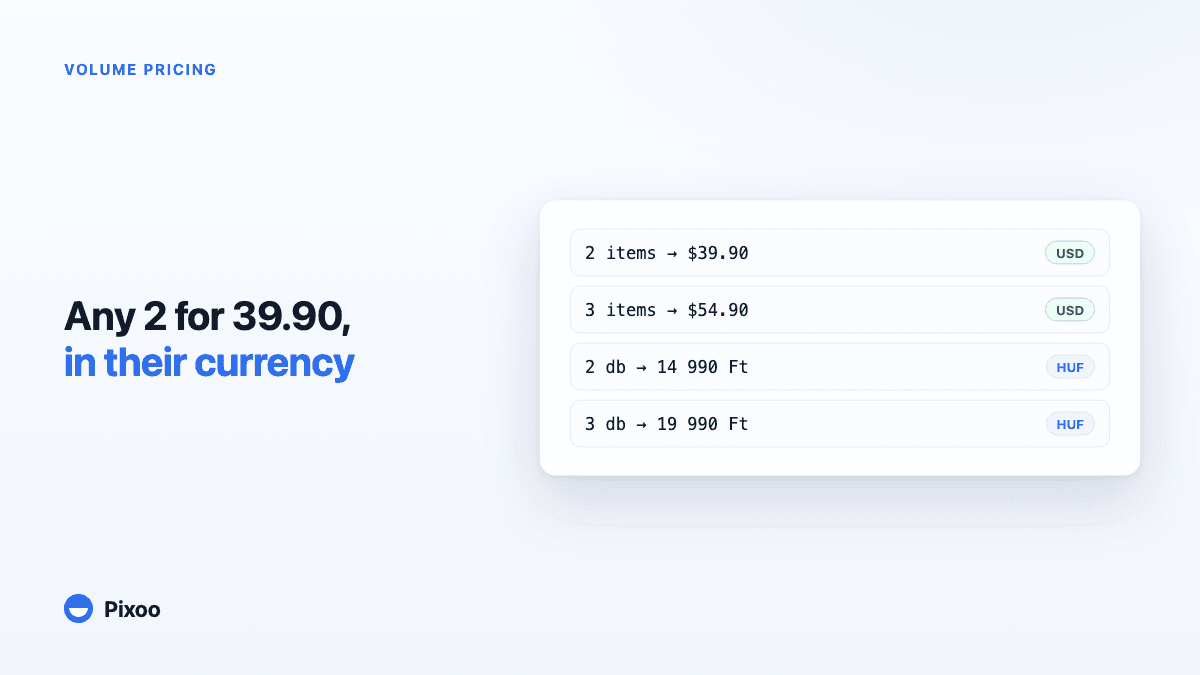
Shopify Volume Pricing in Every Currency: 2 for $39.90, 3 for $54.90, Without Converted Cents
A "2 for 30" offer only works if the price is round in every currency the shopper pays in. Here is why native Shopify discounts make that hard, and how Pixoo lets you type the price of the set per currency and works out the discount at checkout.