How to Cap What a Shopify Discount Can Spend (and Stop It Automatically)

Pixoo
Multi-currency discounts for Shopify
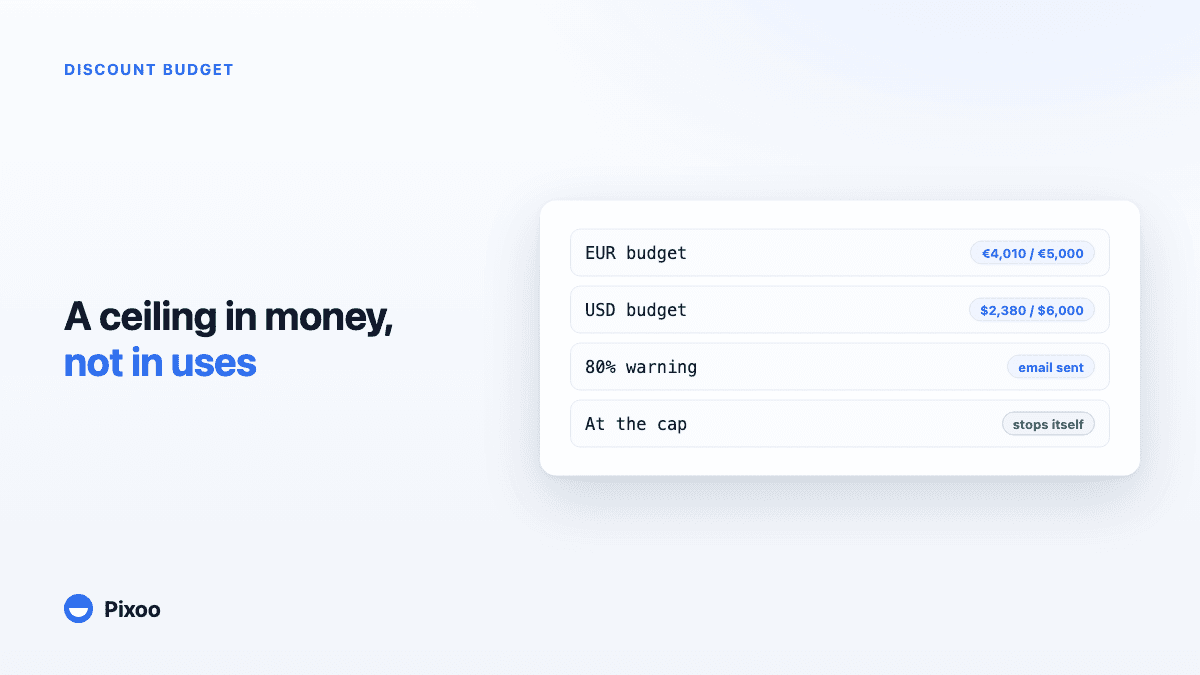
How to Cap What a Shopify Discount Can Spend (and Stop It Automatically)
Key takeaways
- Shopify's usage limits count how many times a discount is used, never how much money it hands out, and with percentage discounts those two numbers barely correlate
- A discount's real cost depends on the carts it meets: the same 20% code costs 12 on one order and 600 on the next, so "1,000 uses" is not a budget
- Pixoo lets you set a spending budget per currency on any discount, watched live against actual redemptions, with free shipping you give away counted in
- At 80% you can get a warning email; at 100% the discount is deactivated automatically, with a one-click "increase budget and reactivate" to resume on your terms
In this guide:
- The Limit the Discount Form Does Not Have
- What a Discount Actually Costs
- A Budget in Money, per Currency
- The Gauge, the Warning, the Stop
- Choosing the Number Before Peak Season
- Budgets, Leak Alerts and Market Caps Together
- FAQ
Open any discount in your Shopify admin and look at the "Maximum discount uses" section. You can limit the total number of times the code is used. You can limit it to one use per customer. And that is the whole vocabulary: uses, counted in clicks of the Buy button. Nowhere on that form can you type the sentence you actually have in your head, which is something like "this promotion has a budget of five thousand euros, and when it has given that much away, it should stop."
Searches like limit discount budget shopify and cap discount spend shopify are merchants discovering that gap, usually right after an end-of-month number made them go looking for it.
The Limit the Discount Form Does Not Have
The gap is structural, not an oversight in your setup. Shopify's usage limits are counters: a redemption increments them, and when the counter hits your maximum, the code stops working. What a redemption cost you never enters into it. The engine does not track a running total of money given away per discount, so there is nothing to set a ceiling on.
For a fixed-amount code with one use per customer, you can approximate a budget with arithmetic: 500 uses of a flat 10 means at most 5,000 given away. It is rough, but it bounds the damage. The moment your discount is a percentage, or applies order-wide, or waives shipping, the arithmetic dies. The cost per use stops being a constant, and the usage counter stops meaning anything financial.
What a Discount Actually Costs
A percentage discount's cost is decided by the carts it happens to meet. A 20% code on a 60 cart costs you 12. The same code on a 3,000 wholesale-sized order costs 600, in one redemption, while the usage counter ticks up by the same single unit. Two promotions with identical settings and identical redemption counts can differ in cost by an order of magnitude, purely on cart composition.
Free shipping makes it worse, because its cost is invisible even in hindsight unless something records it. A code that combines a product discount with waived shipping gives away two amounts per order, and the shipping half never appears in the discount column anyone eyeballs.
And the season concentrates all of it. The weeks around Black Friday are precisely when your discounts are biggest, your traffic is highest, your carts are strangest, and nobody has attention to spare for a running total. A promotion that overshoots its intended cost by a third in February is a shrug; the same overshoot across a BFCM weekend is real money, discovered after the fact, with the code already in ten thousand inboxes.
The uncomfortable summary: on Shopify, every discount is an open-ended financial commitment whose size you learn later. That is exactly backwards from how you would run any other spending line.
A Budget in Money, per Currency
Pixoo can put an actual budget on a discount because it already records what every redemption cost: each order that uses a Pixoo discount stores the amount saved, and the shipping saved, in the currency the customer paid in. The budget feature is that data pointed at a ceiling.
In the discount form, under the usage limits, you tick "Set a spending budget for this discount" and type a cap per currency: say 5,000 EUR and 6,000 USD. The numbers are independent, in each market's own money, and nothing is ever converted between them. If you sell in a currency you did not give a cap, that currency simply is not limited. The caps sit next to a live gauge showing consumption against each one, fed by real redemptions as they happen, shipping included.
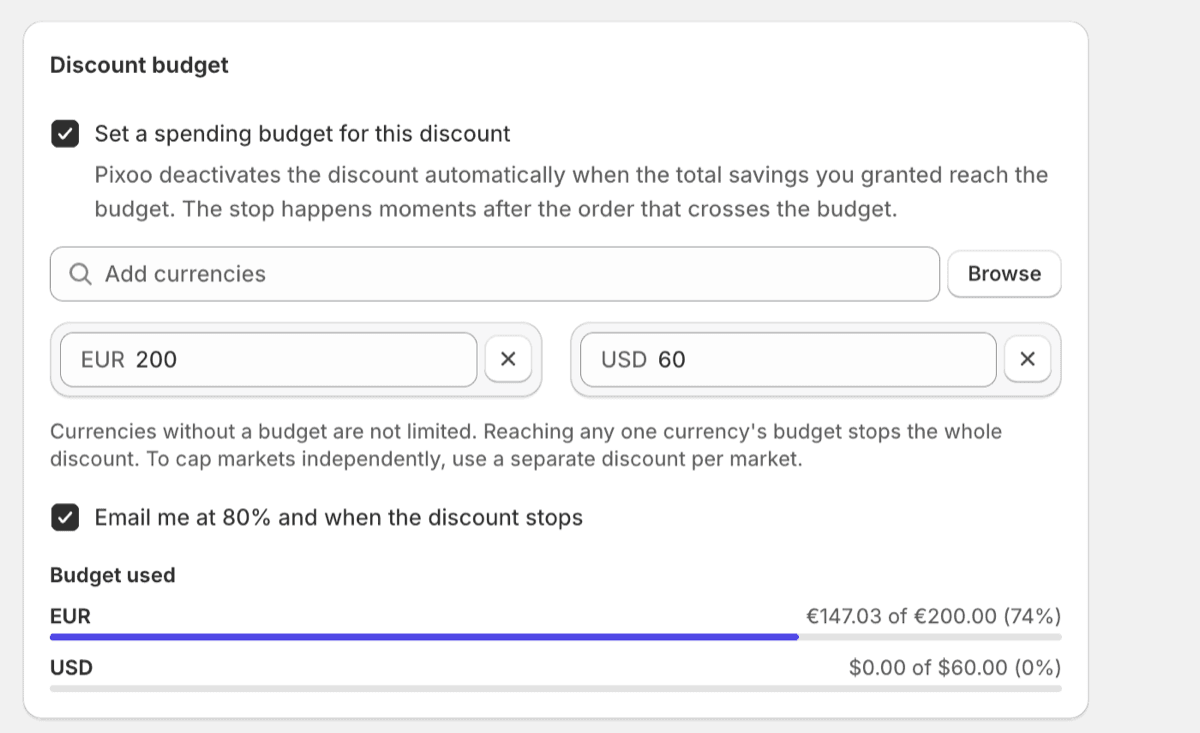
Per currency is a deliberate choice, and it mirrors how the discount amounts themselves work. A single global budget would force every redemption through a currency conversion: which rate, from which day, and good luck reconciling the total when the rate moved mid-campaign. A cap of 5,000 EUR consumed by EUR redemptions is exact by construction. There is no exchange rate to argue with, in either direction.
The Gauge, the Warning, the Stop
While the discount runs, the gauge runs with it. Then two thresholds matter.
At 80%, if you enabled the warning, you get an email: the discount is at 80% of its budget, it stays active, and Pixoo will stop it automatically at the cap. This is the "decide now, calmly" moment: let it finish, raise the cap, or wind the campaign down on your schedule.
At 100%, the discount is deactivated automatically. Any single currency reaching its cap triggers the stop, which is the protective reading: the budget is a promise per market, and the first market to exhaust its promise ends the spending everywhere rather than letting one gauge run hot while another is watched. You get an email saying the discount was stopped, the discount list shows a "Stopped, budget reached" badge so it does not masquerade as expired, and Enterprise stores with automations get a discount.budget_reached event on Pixoo's webhook feed, so the stop can post itself to Slack.
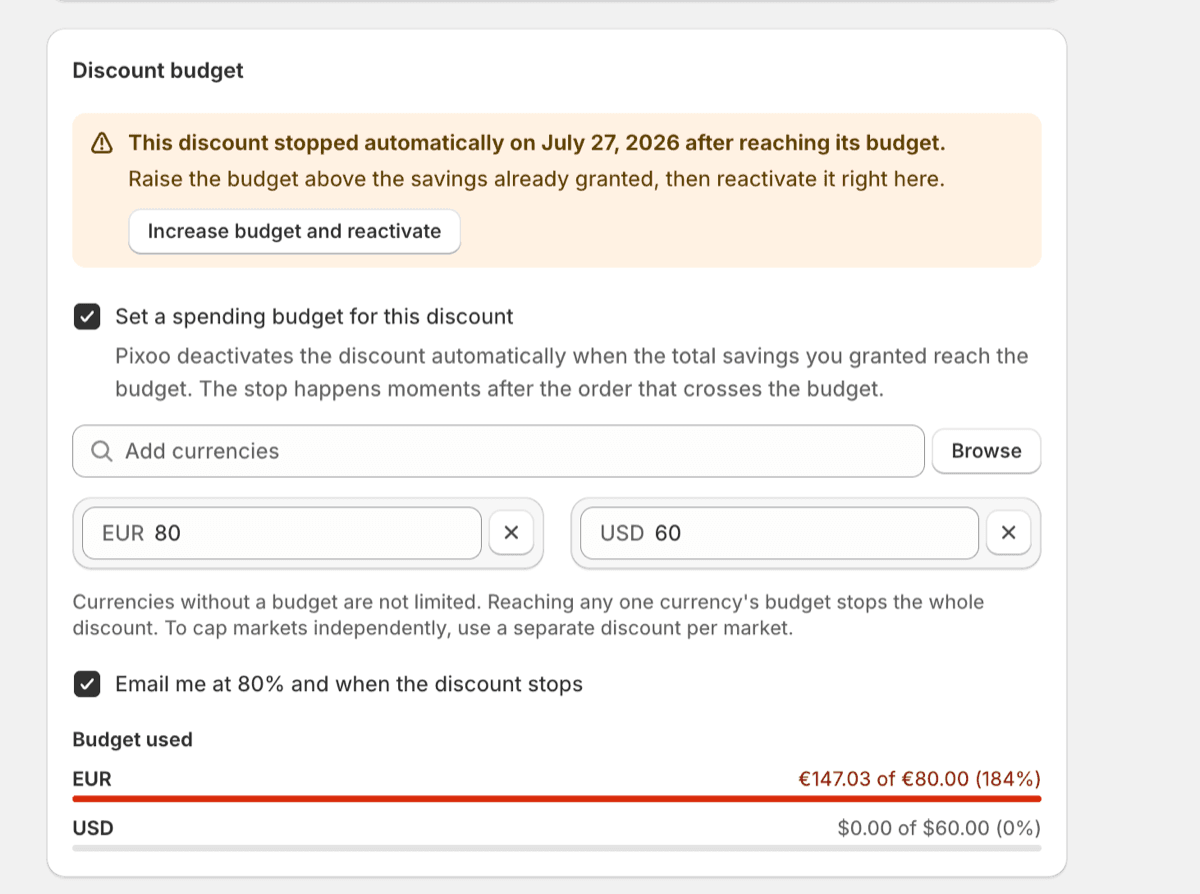
Reactivating is one click, not a rebuild: "Increase budget and reactivate" raises the cap and turns the discount back on from the same screen. The stop is a checkpoint, not a punishment. The point is that going past the number you wrote down is a decision someone makes, never a thing that quietly happens.
Choosing the Number Before Peak Season
The budget is only as good as the number in it, and the number is easier to choose in September than mid-campaign. A practical way in:
Start from margin, not revenue. Decide what the promotion is allowed to cost, the way you would a paid-ads budget: as a spend that must earn itself back. If the campaign should drive, say, incremental orders at a blended margin you know, the acceptable total giveaway follows from that, per market.
Set caps in the currencies that matter, skip the rest. Give your two or three main currencies real caps from that math. Leaving a minor currency uncapped is fine, and better than inventing a number you have no basis for; you can add a cap later the moment its gauge starts moving.
Turn on the 80% warning for anything big. For an evergreen 10% code, the stop alone is enough. For the Black Friday discount, you want the 80% email, because the right response at 80% on Saturday morning might be "raise it, this is working", and you want that option before the stop, not after. If you run one sale across every currency, the per-currency gauges also tell you which market is consuming the campaign, which is exactly the question your Monday debrief will ask.
Budgets, Leak Alerts and Market Caps Together
The budget is one of two guard rails, and they are built on opposite philosophies on purpose. Leak alerts watch for suspicious patterns and only ever email you, because a suspicion should never kill a legitimate campaign. The budget never speculates about why money is leaving; it just enforces the ceiling you wrote, whatever the reason. Attention and enforcement, composed: if a code leaks to a coupon site during your sale, the alerts tell you the same day, and even if nobody reads the email, the leak cannot spend past the cap.
One more composition worth knowing: a hard ceiling per market. Restrict a discount to one market, give it that market's budget, and repeat per market: each market then has its own promotion with its own financial stop, and no market can consume another's allowance. For a single shared campaign, the per-currency caps inside one discount usually do the job with less to maintain.
Frequently Asked Questions
Can I limit how much money a Shopify discount gives away?
Not natively. Shopify's usage limits cap the number of redemptions, and there is no setting for total discount value. Pixoo adds a spending budget to the discount form: a cap per currency, tracked live against actual redemptions, with an automatic stop when a cap is reached.
How do I stop a Shopify discount automatically when it reaches a spend limit?
In Pixoo, enable "Set a spending budget for this discount" in the discount's usage limits and enter the cap for each currency you want bounded. When any currency's consumption reaches its cap, Pixoo deactivates the discount within moments of the order that crossed the line, emails you, and marks the discount "Stopped, budget reached" in the list.
Does the budget convert between currencies?
No, by design. Each currency has its own independent cap, consumed only by redemptions in that currency. A converted global budget would depend on exchange rates and be impossible to reconcile exactly; per-currency caps are exact because the redemption data is stored in the currency the customer paid in.
Does free shipping count toward the discount budget?
Yes. If the discount waives shipping, the waived shipping cost is counted into the budget's consumption alongside the product discount. Without that, a free-shipping discount would never consume its budget at all, and shipping is often the least visible part of what a promotion costs.
What happens when the budget is reached, and can I resume the discount?
The discount is deactivated automatically and you are notified by email. Nothing is deleted: the discount keeps its configuration and history, and an "Increase budget and reactivate" button raises the cap and re-enables it in one step. Raising the ceiling is always available; it just cannot happen silently.
Can I set a different budget for each market?
Within one discount, budgets are per currency, which already separates most markets. For strict per-market ceilings, create one discount per market, restricted to that market, each with its own budget: every market then has an independent cap, and exhausting one never affects the others.
The usage counter was never the number you cared about. It was just the only limit the form offered, so everyone learned to think in uses and reconcile the money later. Write the promotion's cost down as a budget instead, per currency, before the season starts, and let the discount enforce its own ceiling. The campaigns that end well in November are the ones whose worst case was decided in September.
Recommended Articles
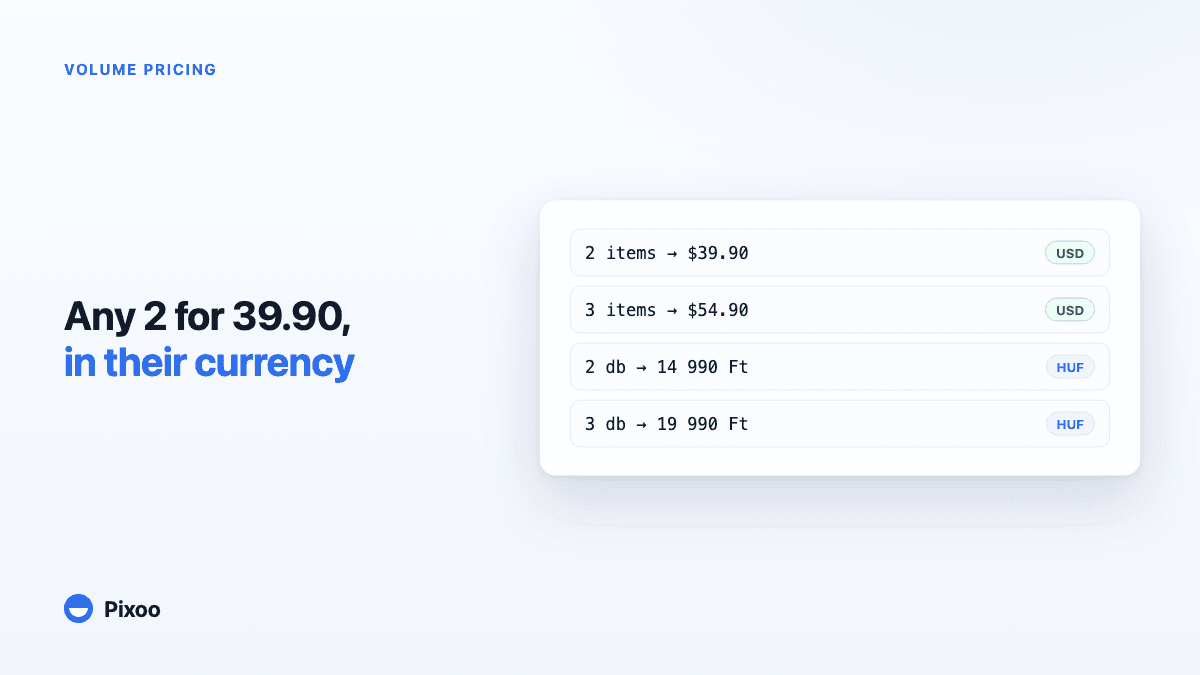
Shopify Volume Pricing in Every Currency: 2 for $39.90, 3 for $54.90, Without Converted Cents
A "2 for 30" offer only works if the price is round in every currency the shopper pays in. Here is why native Shopify discounts make that hard, and how Pixoo lets you type the price of the set per currency and works out the discount at checkout.
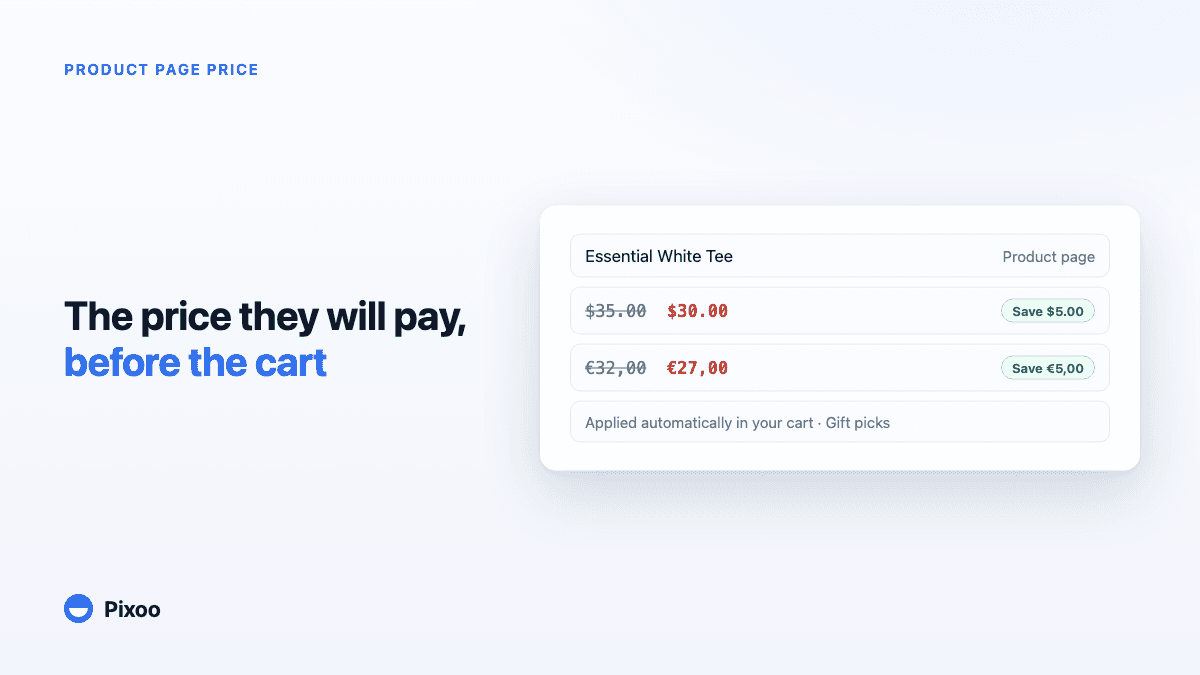
How to Show the Discounted Price on Shopify Product Pages, in Every Currency
An automatic discount on Shopify is applied in the cart, so the product page keeps showing the full price and most shoppers never learn there was a deal. Here is how to show the price they will actually pay, on the product page, in their own currency, without ever displaying a price the checkout will not honour.