Black Friday Multi-Currency Discounts on Shopify: Prep One Sale for Every Market

Pixoo
Multi-currency discounts for Shopify
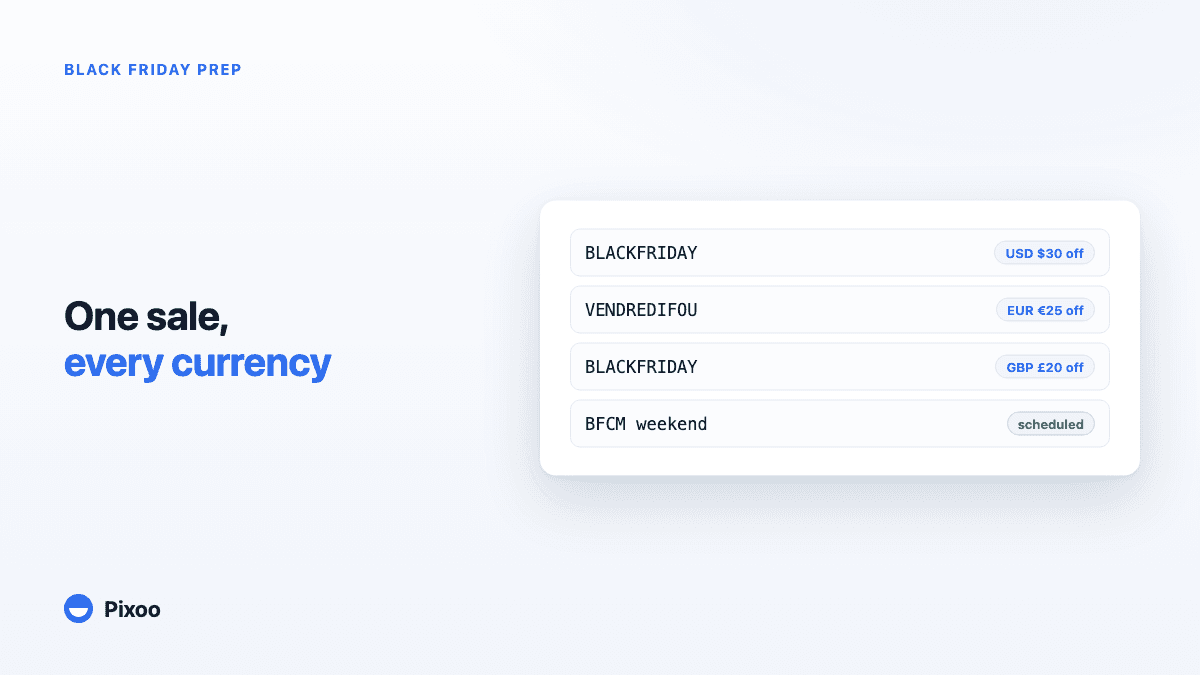
Black Friday Multi-Currency Discounts on Shopify: Prep One Sale for Every Market
Key takeaways
- A percentage discount travels fine across currencies, but the offers that win Black Friday, fixed amounts and spend thresholds, break the moment Shopify converts them
- Shopify applies a fixed-amount discount in your store currency and converts it, so "$30 off" becomes €27.64 off: a number no shopper trusts, on the one weekend trust decides everything
- The fix is to set the discount amount per currency on one discount, not to duplicate the same discount once per market and maintain five copies during your busiest week
- The prep that matters happens in September and October: amounts per currency, one code per market, and a live view of redemptions in each currency before the traffic spike hits
In this guide:
- The Sale You End Up Building Five Times
- Why Black Friday Offers Break Outside Your Home Currency
- Set the Amount per Currency, Not per Conversion
- One Campaign, One Code per Market
- The Prep Timeline That Avoids a November Scramble
- Watching It Live, Currency by Currency
- FAQ
A merchant we work with sells in several markets, each with its own currency and its own storefront language. Earlier this year we watched them prepare a promotion the way most international stores still do: by hand, one discount per market, each one a near-copy of the last. Same offer, same dates, same products. The only things that changed were the amount and the code. By the time the stack was built, one market had a typo in its code and another had last season's amount. Nothing was technically broken. It was just five chances to be wrong, taken one at a time. Now picture that same routine on the Friday morning of the biggest sales weekend of the year.
The Sale You End Up Building Five Times
Searches like black friday multi currency discount shopify spike every autumn for a reason. Shopify Markets has made it genuinely easy to sell in many currencies: local prices, local payment methods, rounded price endings per market. Then Black Friday arrives, the one moment the whole storefront has been building toward, and the discount tooling quietly assumes you have one currency again.
If your sale is a straight percentage, you will mostly be fine. 25% off is 25% off in any currency, and for a lot of stores that is the right call. But Black Friday is exactly when merchants reach past percentages, because the offers that move the needle are structured: a fixed amount off to protect margin on already-discounted stock, a "spend X, get Y off" threshold to push order values up, a free-shipping floor. Every one of those has a number in it. And a number lives in a currency.
So the merchant who wants "€25 off from €120" in Europe and "$30 off from $140" in the US discovers the options are: accept whatever conversion Shopify produces, or clone the discount per market and keep the clones in sync by hand through the most stressful week of the retail year. Most pick the clones. That is the five-times sale, and it is where the typos live.
Why Black Friday Offers Break Outside Your Home Currency
Shopify stores a fixed-amount discount in your store's base currency. When a shopper checks out in another currency, the amount is converted at that day's rate. The mechanics work; the result is the problem, and we unpacked it fully in our complete guide to multi-currency discounts on Shopify. On Black Friday, three things make it worse.
The converted number looks wrong on the loudest weekend of the year. "$30 off" converts to something like €27.64, and your storefront banner, your email, and your checkout are all shouting it at maximum volume. A shopper comparing five tabs of offers does not stop to compute exchange rates. A crooked number reads as a catch. Round numbers, and locally charming numbers, are the entire psychology of a doorbuster; the rule of 100 even changes whether a percentage or an amount is the stronger frame in each currency.
Thresholds drift while you sleep. A "spend $150, get $30 off" offer converts its threshold too. If the rate moves between your Tuesday email blast and Friday's peak, the threshold your email promised is no longer exactly the threshold at checkout. Nobody budgets time for reconciling that on the day itself.
Margins are thinnest exactly now. Black Friday amounts are aggressive by design. A conversion that lands a euro or two more generous than you planned is invisible in July and painful across thousands of November orders. When the amount matters most, "roughly right after conversion" is not a pricing strategy.
Set the Amount per Currency, Not per Conversion
The structural fix is one discount that carries its own amount in each currency you sell in, so nothing is converted at checkout because there is nothing left to convert. That is the core of what Pixoo adds to Shopify discounts: you create the discount once, then type the exact number each market should see.
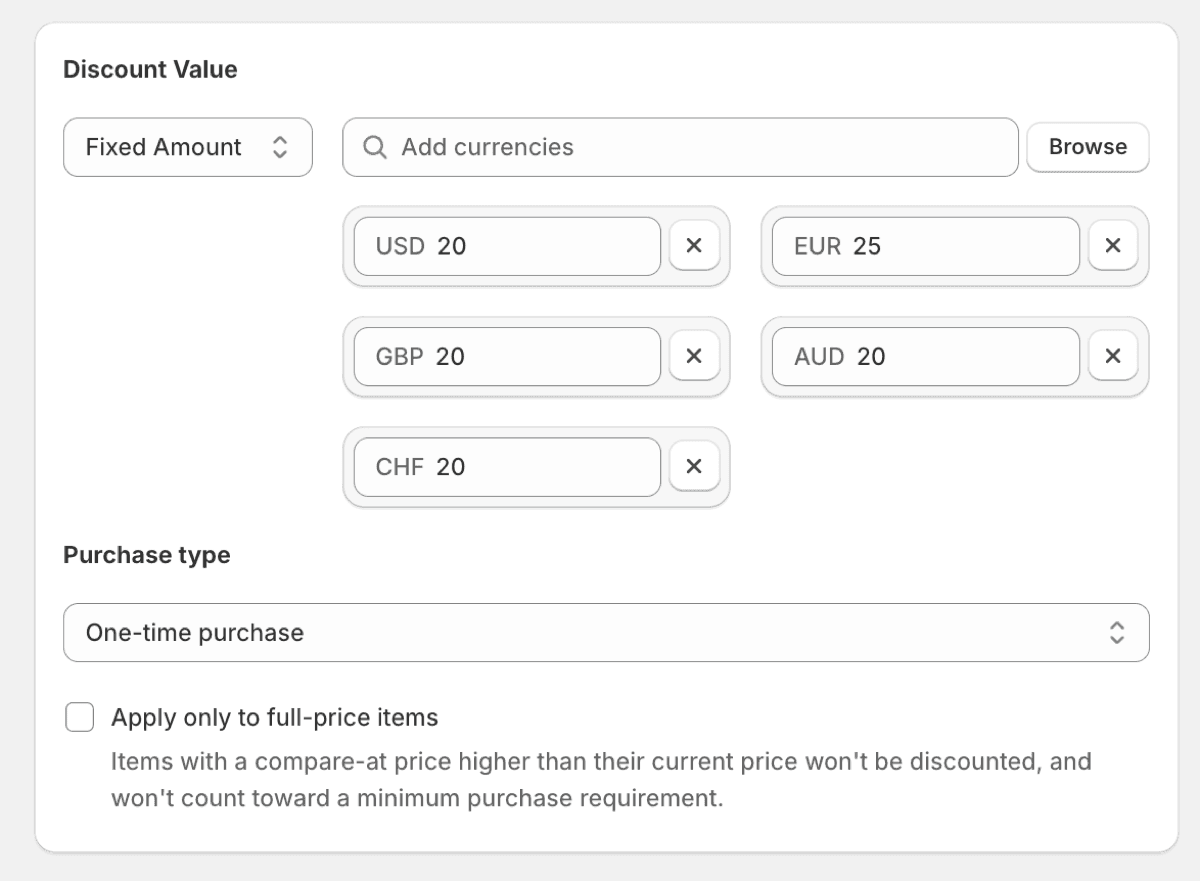
For a Black Friday sale that means you decide, in advance and in writing, that the offer is €25, $30, £20 and 4,000 JPY, with each number chosen the way a local competitor would choose it: round where round wins, charm-priced where that market expects it. The amounts are set per currency; the discount, its schedule, its product scope and its usage limits exist exactly once. When you extend the sale through Cyber Monday, you extend one discount, not five.
Spend thresholds follow the same logic. "Spend 100, get 10 off" should be a local sentence in every market, not a converted one, so the threshold and the reward both deserve currency-specific values. If your sale leans on tiers and minimums, set them per currency for the same reason you set the headline amount per currency: the promise in the email must be the number at checkout, to the cent. And once those tiers are live, a cart progress bar is what tells the shopper how far they are from the next one, in the currency they are paying in.
One Campaign, One Code per Market
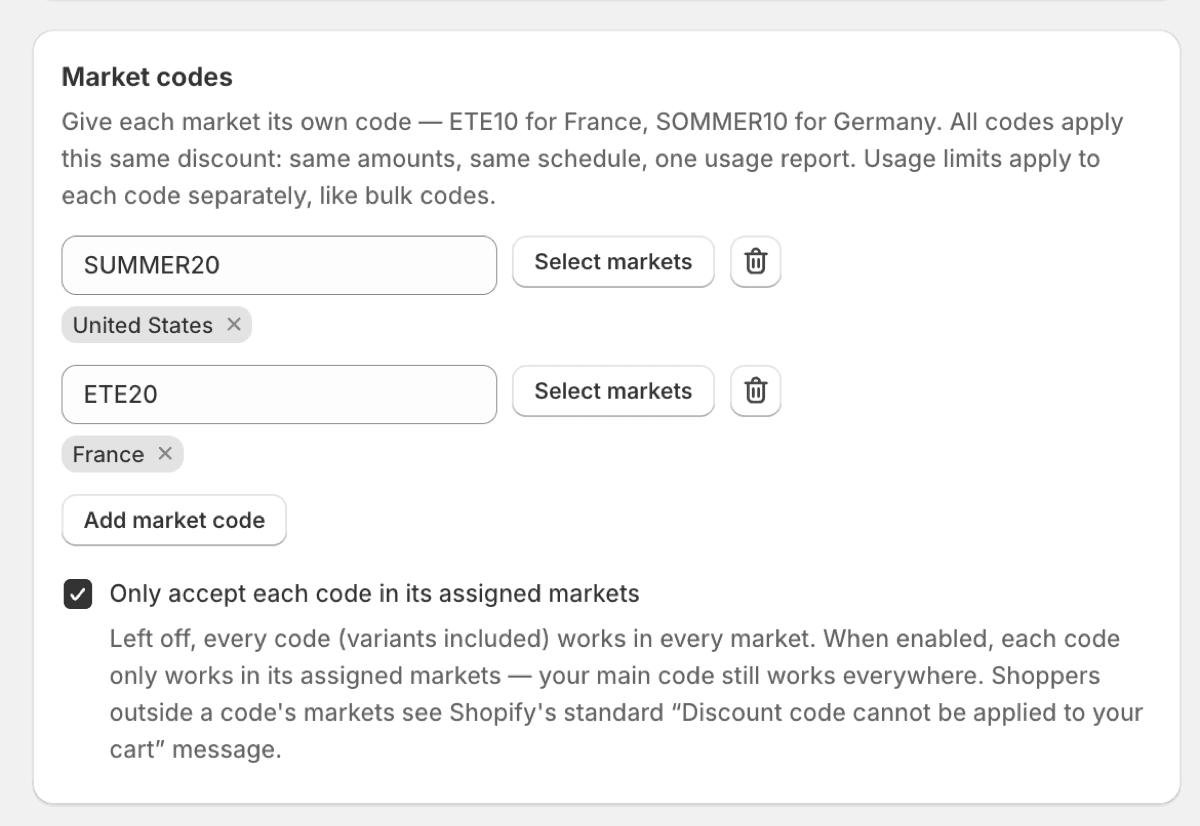
The amount is half the localisation. The other half is the code itself. BLACKFRIDAY works in English-speaking markets and lands flat where your customers do not shop in English. If your storefronts are localised, your codes are part of the copy: the French market might get VENDREDIFOU while the German one gets its own, and each should only work where it belongs, so the code that leaks out of one market's newsletter cannot be redeemed in another market at that market's pricing.
Pixoo handles this as one discount with a code per market, enforced at checkout: the market decides which code is valid, and a code used outside its market is refused like any invalid code. We covered the mechanics in a different discount code for every market. For Black Friday planning, the point is operational: one discount to schedule, budget and monitor, with per-market codes as a property of it rather than as five sibling discounts pretending to be a campaign.
The Prep Timeline That Avoids a November Scramble
Everything above is an October decision at the latest. Here is the order that works, based on how the calm stores do it.
Early September: inventory your currencies. List the markets you actually sell in, the currency of each, and which ones carried real volume last year. This is also the moment to decide which markets get a localised code and which share the global one.
Mid-September: choose the offer structure per market. Percentage or fixed amount, threshold or not, free shipping floor or not. Decide the local numbers now, when you can think, not in November, when you cannot. Write them in the same document as the email copy so the promise and the configuration have one source.
Early October: build the discount, once. Create the Black Friday discount with its per-currency amounts, per-market codes, schedule and usage limits. Then place a test order in at least your two biggest currencies and read the checkout line by line. The number on screen should match the document from September exactly.
Late October: connect the announcement. Emails, banners and social posts get written against the local numbers. If a market's newsletter says €25, that is because the discount says €25, not because someone did the conversion in a spreadsheet and hoped.
November: touch nothing, watch everything. The sale runs on configuration you finished weeks ago. Your job during the weekend is monitoring, which is the last piece.
Watching It Live, Currency by Currency
A multi-currency sale produces multi-currency results, and a dashboard that converts everything into one home-currency total answers the wrong question during the event. What you want to know on Saturday morning is which markets are redeeming, in their own numbers: how many uses of the French code, how much EUR revenue against the EUR amounts you set, whether the UK threshold is pulling order values where you wanted them.
Pixoo's analytics keep each currency in its own column, never converted, with redemptions per code, so a per-market campaign reads as a per-market report. If one market is quiet while the others burn, you find out Saturday, in time to resend an email, rather than in December, in a blended average.
Frequently Asked Questions
Can I run one Black Friday discount in multiple currencies on Shopify?
Natively, yes, with a caveat: Shopify applies one discount across all currencies, but a fixed amount is stored in your base currency and converted at checkout, so other markets see uneven numbers like €27.64 off. A percentage avoids that but rules out fixed-amount and threshold offers. Pixoo lets one discount carry an exact amount per currency, so every market sees the number you chose.
Should a Black Friday discount be a percentage or a fixed amount?
It depends on price point and market, and the honest answer is: per market. The rule of 100 says percentages feel bigger under 100 units of currency and amounts feel bigger above it, which means the same product can deserve a percentage in one currency and an amount in another. If you localise the amounts, you are free to pick the stronger frame in each market.
How do I set a different discount amount for each currency on Shopify?
Shopify's admin has no field for it; a discount holds one value in your store currency. In Pixoo, the discount form lists every currency your store sells in and takes a separate value for each, on the same single discount. No duplication per market, and nothing is converted at checkout.
Can I use a different Black Friday code in each country?
Yes. With Pixoo market codes, one discount carries a distinct code per market, VENDREDIFOU for France and BLACKFRIDAY elsewhere for example, and each code only works in its own market. The checkout enforces it, so a code that leaks across borders is simply refused.
Do spend thresholds like "spend 150, get 30 off" work across currencies?
Converted thresholds carry the same problem as converted amounts: the number the shopper was promised shifts with the exchange rate. Setting the threshold and the reward per currency keeps the sentence clean in every market: spend €150 get €30, spend $150 get $30, each one exact.
When should I set up my Black Friday discounts?
Build and test the discount in early October: amounts per currency chosen in September, one test order in each major currency once it is built, announcements written against the final local numbers in late October. The goal is that November requires monitoring, not configuration.
The merchant from the opening still runs one promotion across all those markets. What changed is the count: one discount, with each market's amount and code inside it, instead of a hand-built stack of near-copies. The prep moved from the morning of the sale to a quiet afternoon in October. That is really the whole trick to Black Friday in several currencies: make the decisions early, make them local, and make them once.
Recommended Articles
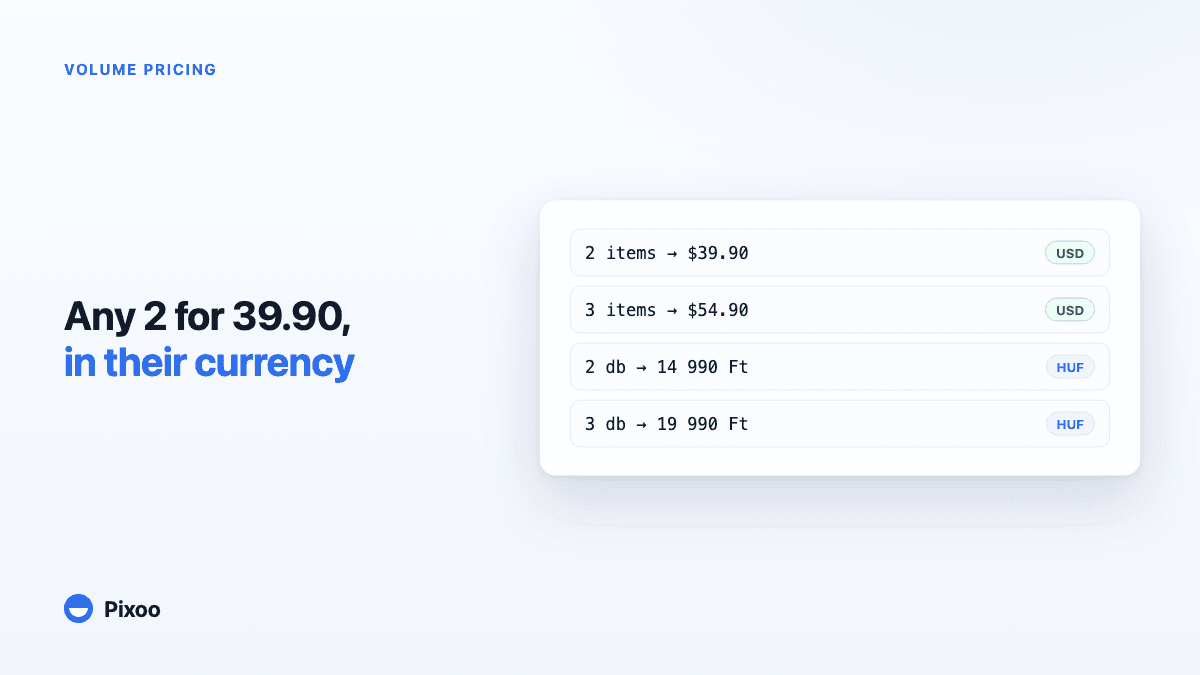
Shopify Volume Pricing in Every Currency: 2 for $39.90, 3 for $54.90, Without Converted Cents
A "2 for 30" offer only works if the price is round in every currency the shopper pays in. Here is why native Shopify discounts make that hard, and how Pixoo lets you type the price of the set per currency and works out the discount at checkout.
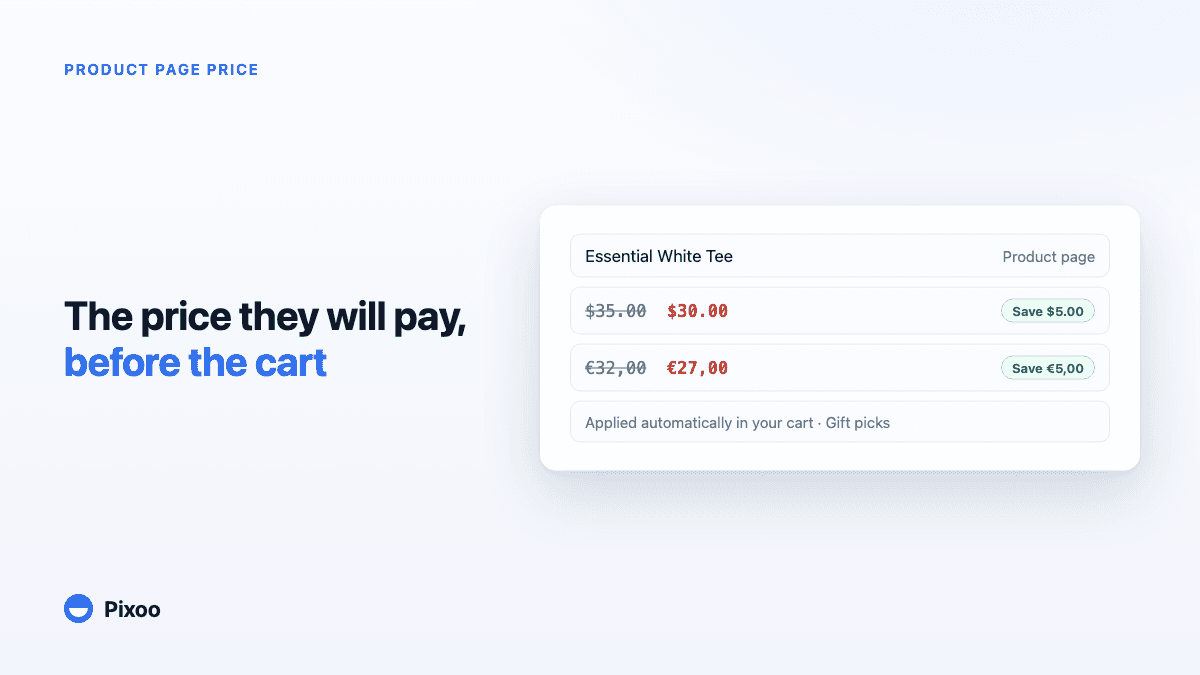
How to Show the Discounted Price on Shopify Product Pages, in Every Currency
An automatic discount on Shopify is applied in the cart, so the product page keeps showing the full price and most shoppers never learn there was a deal. Here is how to show the price they will actually pay, on the product page, in their own currency, without ever displaying a price the checkout will not honour.