One Code, Two Perks: How to Combine a Discount and Free Shipping on Shopify

Pixoo
Multi-currency discounts for Shopify
One Code, Two Perks: How to Combine a Discount and Free Shipping on Shopify
Key takeaways
- A Shopify discount code has historically belonged to one discount of one class (product or shipping), so "discounted item plus free delivery" meant issuing two separate codes
- Two codes is more than twice the admin work: multiple codes at checkout are fragile, and the customer has to know to enter both
- Shopify's unified Discount API made a single multi-class discount technically possible, but the Shopify admin never added a way to build one
- Pixoo exposes it as one toggle: "Also offer free shipping" on Amount off products, Amount off order, and Buy X Get Y discounts, with control over which shipping rates get waived
In this guide:
- The Two-Code Tax Nobody Asked For
- Why Shopify Needs Two Codes in the First Place
- What "Also Offer Free Shipping" Does
- The Warranty Replacement That Started This
- Choosing Which Shipping Rates Go Free
- Setting It Up in Pixoo
- FAQ
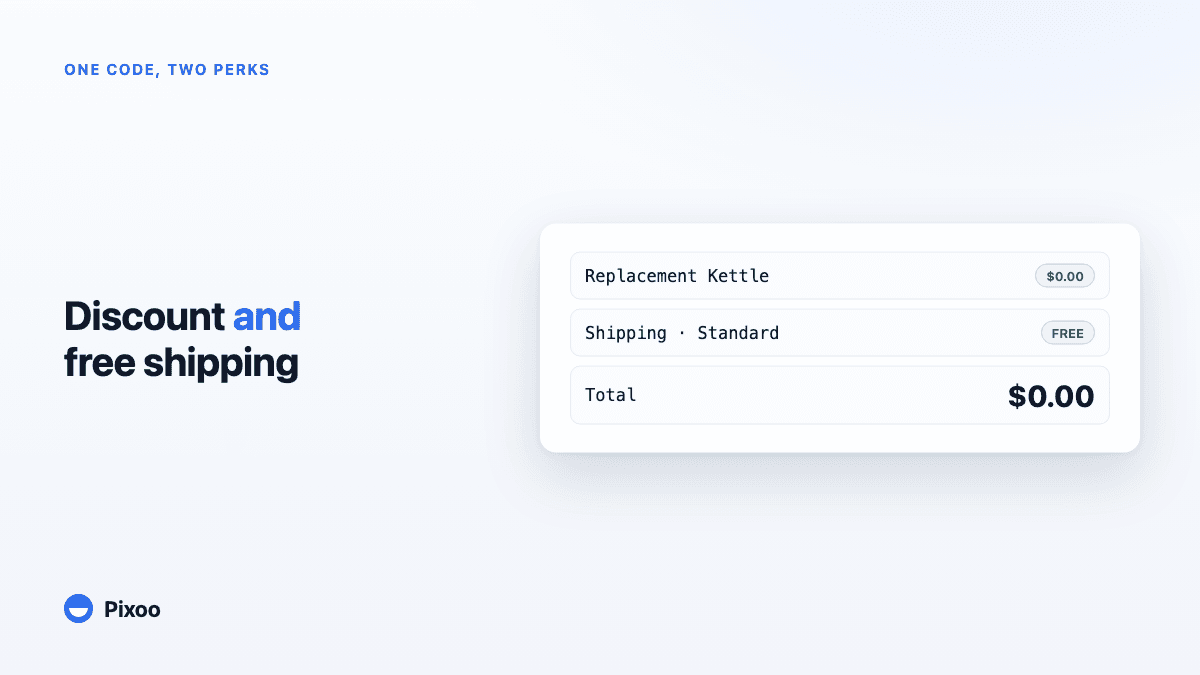
A merchant we work with ships kitchenware. When something arrives cracked, he sends a replacement and eats the whole cost. That's the deal, no argument. The replacement kettle should be free, and so should its shipping. Simple promise. Except to keep it, he was cutting the customer two discount codes: one that took the kettle to $0.00, and a second that waived the $6.90 shipping. Then he emailed both, and hoped the customer pasted them in the right order at checkout. Some did. Some entered one, saw a charge, and wrote back confused.
The Two-Code Tax Nobody Asked For
If you've ever tried to give someone a product discount and free shipping from a single Shopify code, you already know the wall you hit. You build the product discount. You go looking for the free-shipping checkbox. It isn't there. Shopify's answer is to make a second discount, a free-shipping one, with its own code, and let the customer stack them at checkout.
On paper that works. In practice it leaks at every step. The customer has to receive both codes, understand that both are needed, and enter both. Shopify's checkout does allow multiple codes, but "allow" is doing a lot of work in that sentence. Combinability rules between separate discounts are finicky, one code can silently knock the other out of eligibility, and the whole thing reads as fragile to a shopper who just wanted their free replacement. Every extra field is another place the promise breaks.
And that's before the support tickets. A code that half-works looks, from the customer's side, exactly like a store that doesn't honour what it said. You meant to be generous. The mechanics made you look sloppy.
Searches like "combine discount and free shipping shopify" and "free shipping and discount same code shopify" turn up thread after thread of merchants asking for exactly this, and getting the same answer: make two codes. It's the accepted workaround. It's also nobody's idea of a good time.
Why Shopify Needs Two Codes in the First Place
Here's the honest version, because a vague "Shopify can't do it" would be wrong and you'd catch us on it.
A discount code in Shopify points at a discount. And a discount, historically, had a single class: it was a product discount, or an order discount, or a shipping discount, not a blend. Free shipping is its own class. A product discount is another. One code, one discount, one class. So covering the item and the delivery genuinely required two discounts, which meant two codes. That's not Shopify being lazy; it's how the discount model was shaped for years, and plenty of the platform's reliability comes from those clean boundaries.
To be fair to Shopify, they did move. The newer unified Discount API collapsed those separate discount types into one model that can carry more than one class of benefit at once: a single discount that touches both the product line and the shipping line. The engine underneath your store can price "item discounted, shipping free" as one object today. That part is real, and it's the reason this feature can exist at all.
What didn't move was the admin. Open Shopify's discount creator and you still pick one type from the list, build it, and that's your lot. There's no "and also make shipping free" option waiting inside the product-discount form. The capability shipped; the interface to reach it didn't. So the platform can do the thing, and the place you'd go to set it up still tells you to make two codes.
That gap, where the engine says yes and the admin says no, is the whole opening. We're not claiming Pixoo does something Shopify's checkout can't. We're claiming Pixoo hands you the switch Shopify built and then forgot to wire to a wall plate.
What "Also Offer Free Shipping" Does
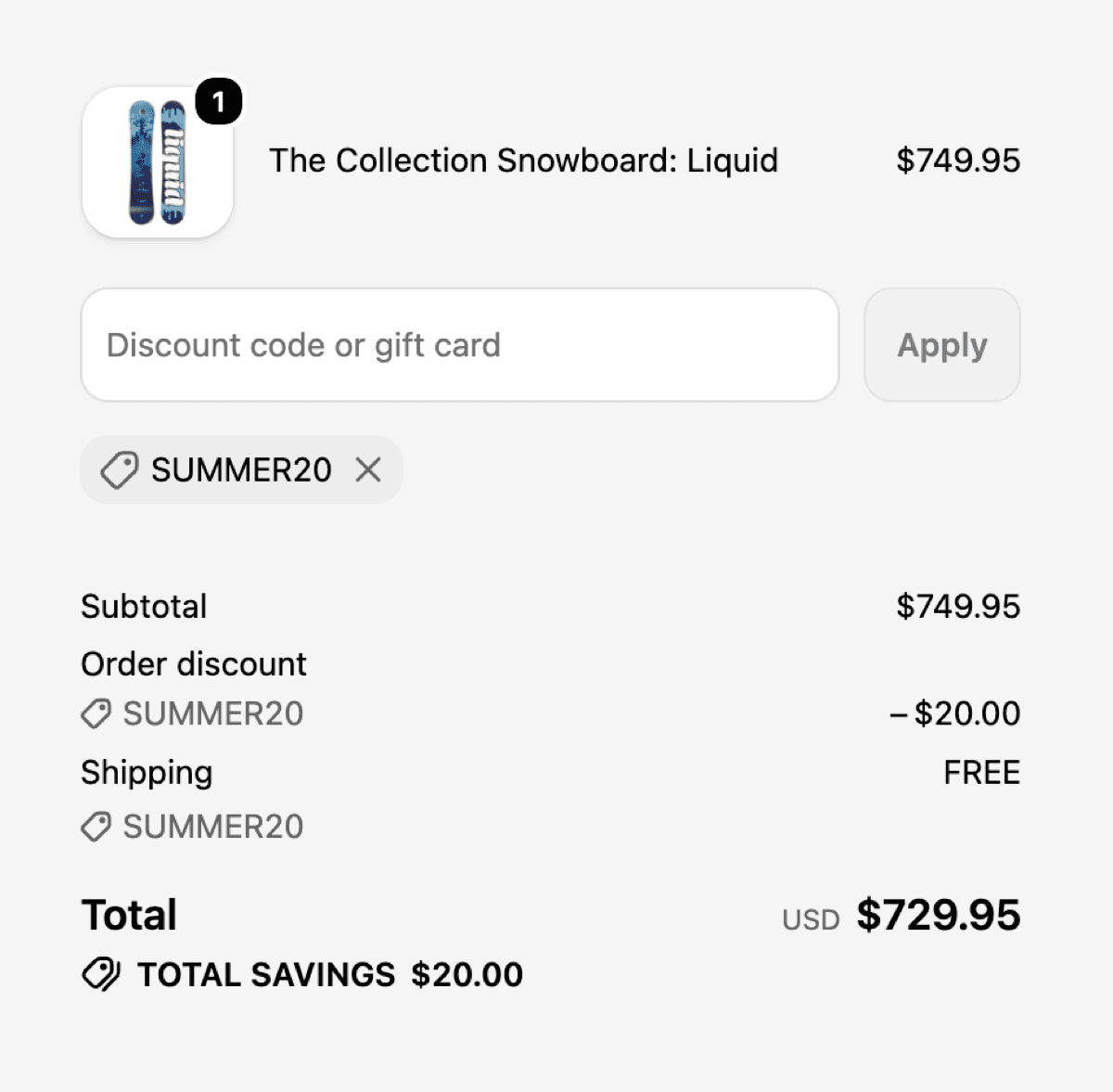
On the Pixoo discount form, three discount types now carry one extra toggle: Amount off products, Amount off order, and Buy X Get Y. Flip "Also offer free shipping" on, and the single discount you're already building picks up a second job. When it applies, whether automatically or when the customer enters its code, the product discount lands and the shipping line drops to free. Same code. Same order. One thing to type.
The clearest way to see it is to watch the checkout do both moves at once:
No stacking. No second discount object fighting the first for eligibility. No email that ends with "and don't forget to also apply SHIP0." The customer types one code, and the total settles where you promised it would.
The Warranty Replacement That Started This
Back to the kettle. This is the case that pushed the feature to the top of the list, and it's worth walking through because it's not a fringe scenario. Anyone handling returns, replacements, or goodwill orders lives here.
The merchant sets up an Amount off products discount: 100% off, capped at one item, restricted to the replacement product. That cap matters. Without it, a "100% off" code is a loaded gun pointed at your margins, and the product-level max-items cap is what keeps a replacement code from zeroing out a five-item cart. Then he flips on Also offer free shipping. Now the code he emails does the entire job: kettle free, delivery free, total zero, one line for the customer to paste. The apology looks like an apology instead of a puzzle.
It generalises fast. A VIP order you want to send entirely on the house. A "we messed up, this one's on us" gesture to a customer who's been patient. Any moment where the honest outcome is make this order free, product and shipping both, used to take two codes and a small prayer. Now it takes a toggle.
Choosing Which Shipping Rates Go Free
Free shipping is rarely all-or-nothing, and treating it that way is how you accidentally gift someone a $40 overnight courier on a warranty replacement. So the toggle isn't just on/off.
When you enable it, you decide which methods it covers:
- All shipping rates: whatever the customer picks at checkout ships free. Cleanest for "this whole order is free, full stop" cases like the replacement above.
- Selected rates only: free on Standard, say, while Express stays paid. The customer can still upgrade to overnight; they just cover the premium themselves.
That second option is the one merchants underestimate. It lets you be generous on the delivery you'd have offered anyway without writing a blank cheque for the fastest, priciest tier in your rate table. Standard at $6.90 goes free; the $22 express stays the customer's call. Your goodwill has a shape, and you're the one who draws it.
Setting It Up in Pixoo
The toggle lives inside the discount forms you already use, so there's no new place to learn:
- Create or edit an Amount off products, Amount off order, or Buy X Get Y discount in Pixoo.
- Configure the discount as usual: the amount, the products or collection, and any currency-specific values for your markets. For a warranty flow, set it to 100% off and cap it at one item.
- Turn on "Also offer free shipping."
- Choose the shipping methods it covers: all rates, or a specific selection.
- Pick your method: automatic if it should apply from the cart alone, or a code if you're emailing it out for replacements and one-off gestures.
- Save. The discount now carries both perks under a single code.
Everything you already rely on still holds: currency-specific amounts per market, market targeting, code or automatic. Free shipping rides along on top rather than replacing any of it.
Frequently Asked Questions
Can I offer a discount and free shipping with one code on Shopify?
Not through Shopify's own admin. It builds one discount of one type at a time, so a product discount and free shipping mean two separate codes. Pixoo adds an "Also offer free shipping" toggle to its Amount off products, Amount off order, and Buy X Get Y discounts, so a single code applies the product discount and waives shipping in the same order.
Why does Shopify need two codes for a discount plus free shipping?
Because a Shopify code maps to one discount, and a discount has traditionally carried a single class of benefit: product, order, or shipping, not a mix. Covering both the item and the delivery meant two discounts, hence two codes. Shopify's unified Discount API made a single multi-class discount possible in the engine, but the admin interface never added a way to create one.
Which shipping rates can I make free?
Your choice. You can waive every rate the customer might select, or only specific ones, such as free Standard while Express stays paid. That keeps a replacement or goodwill order from accidentally covering an expensive overnight tier you never meant to give away.
Does this work with automatic discounts or only codes?
Both. Use a code when you're emailing a one-off, like a warranty replacement or a VIP thank-you, and an automatic discount when the offer should apply from the cart contents without anyone typing anything. The free-shipping toggle behaves the same way in either mode.
Can I make an entire order free, product and shipping?
Yes, and it's the case the feature was built for. Set an Amount off products discount to 100% off, cap it at one item so it can't zero out an unrelated cart, and turn on free shipping across all rates. One code takes the product and the delivery to zero.
Will this fight with my other discounts at checkout?
No. The point is that it isn't two discounts stacking. The product benefit and the shipping benefit live inside one discount, so there's no second code competing for eligibility or tripping combinability rules. It applies as a single unit, which is exactly what the old two-code workaround couldn't promise.
Two codes was never really about giving customers two perks. It was about a form that only had room for one, and a workaround everyone agreed to tolerate. The engine moved on a while ago. This just lets your storefront catch up, and lets that replacement kettle go out with an apology that actually reaches zero.
Recommended Articles
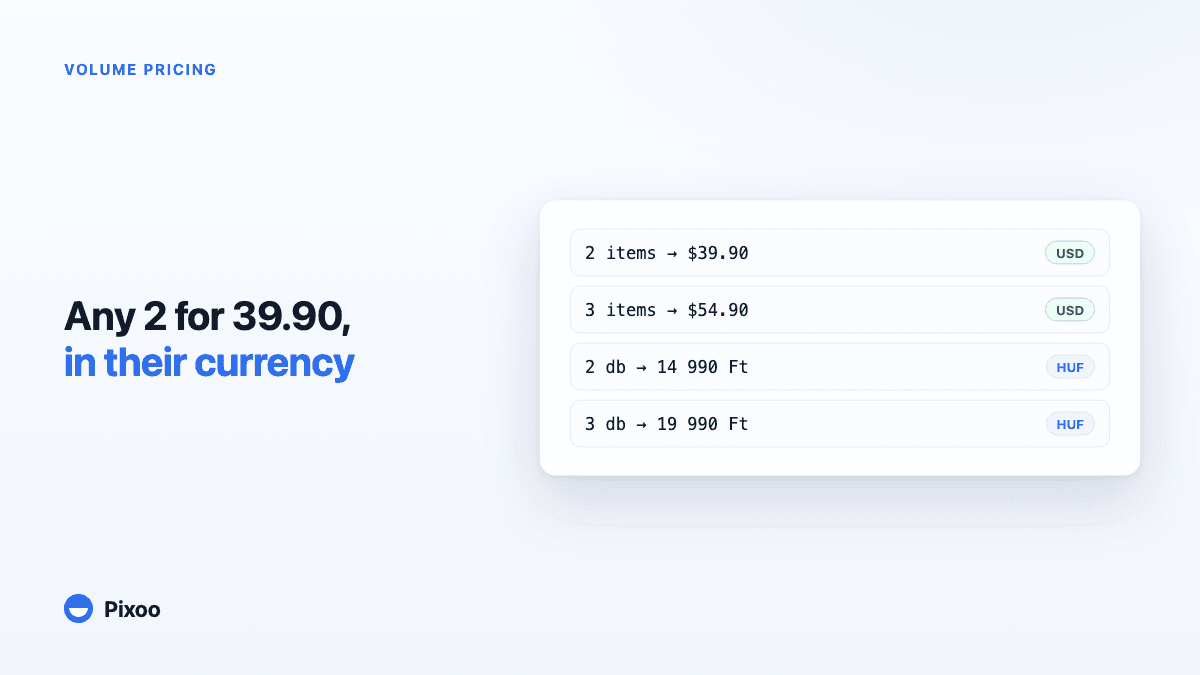
Shopify Volume Pricing in Every Currency: 2 for $39.90, 3 for $54.90, Without Converted Cents
A "2 for 30" offer only works if the price is round in every currency the shopper pays in. Here is why native Shopify discounts make that hard, and how Pixoo lets you type the price of the set per currency and works out the discount at checkout.
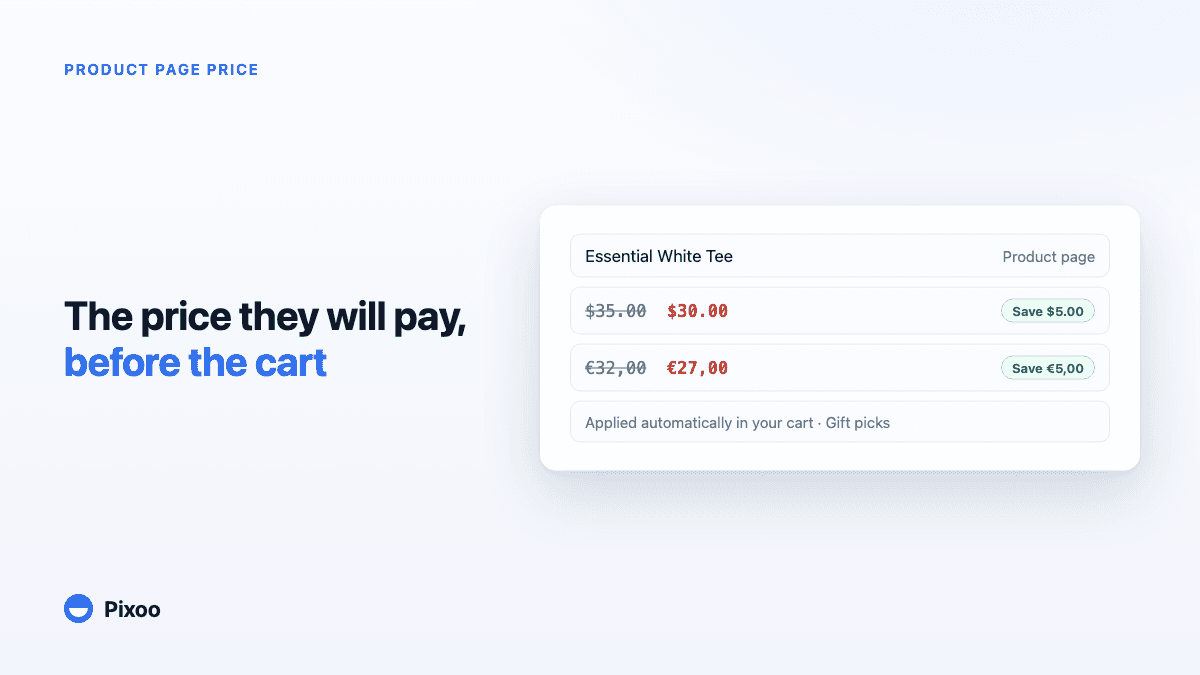
How to Show the Discounted Price on Shopify Product Pages, in Every Currency
An automatic discount on Shopify is applied in the cart, so the product page keeps showing the full price and most shoppers never learn there was a deal. Here is how to show the price they will actually pay, on the product page, in their own currency, without ever displaying a price the checkout will not honour.