Shopify Scripts Handled Discounts in Different Currencies. Here Is What Replaces Them

Pixoo
Multi-currency discounts for Shopify
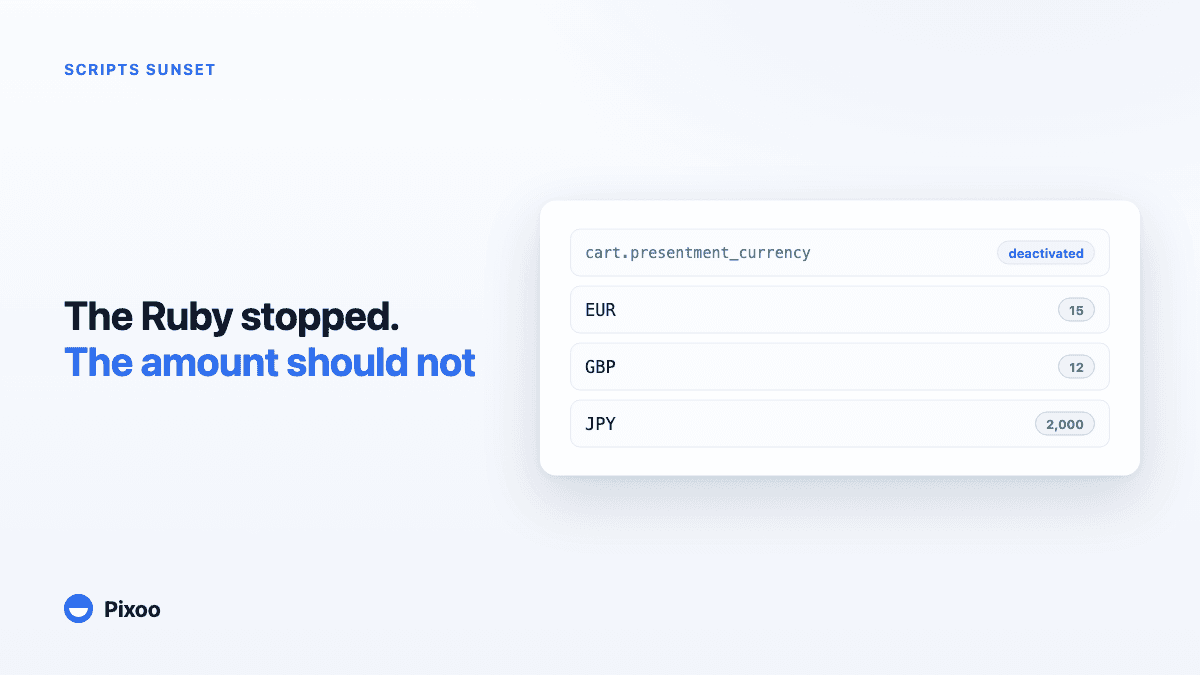
Shopify Scripts Handled Discounts in Different Currencies. Here Is What Replaces Them
Key takeaways
- Shopify Scripts stopped executing on 30 June 2026. Editing and publishing had already been switched off on 15 April 2026, and Scripts still published on stores were deactivated.
- The Ruby that kept a discount at a clean 15 euros instead of a converted 14.27 is not running any more, and there is no setting in the Shopify admin that brings it back.
- Shopify Functions is the replacement platform, not a drop-in swap. A Function is compiled WebAssembly deployed through an app, not a snippet you paste into the admin.
- Most stores do not rebuild the Function themselves. They adopt an app that already runs one, which turns per-currency amounts back into a form field.
In this guide:
- What your Script was actually doing
- What changed, and when
- Why Functions is not a drop-in replacement
- The specific thing you need back: an exact amount per currency
- Rebuilding it without writing a Function
- A migration checklist
- FAQ
What your Script was actually doing
Searches like shopify scripts discounts in different currencies used to turn up the same answer over and over: write a line item Script, read the presentment currency, and hard-code the amount you want for each one.
The reason that pattern existed is that Shopify's native discounts have never let you set an amount per currency. You enter one figure in your store currency, and Shopify converts it everywhere else at the current rate. A tidy 15 dollars off becomes 13.94 euros, 11.86 pounds, 2,164 yen. Nothing is broken, but nothing looks deliberate either, and a campaign built around "15 off" stops saying 15 the moment a shopper switches market.
So Plus merchants wrote Ruby. A dozen lines that checked cart.presentment_currency and applied 15 EUR, or 12 GBP, or 2,000 JPY, so the number in the cart matched the number in the campaign. It was not elegant, but it was the only way to make a fixed-amount discount hold its shape across borders.
That is the logic that stopped running.
What changed, and when
Shopify retired Scripts in two steps, and both have now passed:
- 15 April 2026. Editing and publishing Scripts was switched off. From that date you could not fix a Script, only watch it run.
- 30 June 2026. Scripts stopped executing entirely. Any Script still published on a store was deactivated.
The dates come from Shopify's own changelog, and the deadline had already been pushed back once from August 2025, which is why some merchants were caught out believing there would be another extension.
There was no automatic migration. Nothing in the admin picked up your currency logic and reimplemented it. If your discount amounts started looking converted again at the beginning of July, that is why.
Why Functions is not a drop-in replacement
Shopify Functions is the platform Shopify points you to, and it genuinely is more capable than Scripts. It is also a different kind of thing.
A Script was Ruby, pasted into the Script Editor, edited by whoever had admin access. A Function is source code compiled to WebAssembly, versioned, and deployed as part of a Shopify app. There is no admin text box. To run one you either build and maintain an app, or install an app that already contains the Function you need.
That distinction matters more than it sounds. Rebuilding a fifteen line currency Script as a Function means standing up an app, a build pipeline, a deployment, and the maintenance that follows. Shopify also caps the complexity of what a discount Function can ask for, so the design is more constrained than a Ruby snippet that could read whatever it liked from the cart.
This is the honest limitation to sit with before choosing a path: the platform is better, and the barrier to entry is higher. For a store whose Script did one job, per-currency amounts, building an app to get that job back is a large amount of machinery for a small amount of logic.
The specific thing you need back: an exact amount per currency
Strip away the migration language and the requirement is small and precise. You need a discount that holds a different, chosen number in each currency, and does not convert.
Not a percentage. Percentages survived the deprecation perfectly well, because 20 percent is 20 percent in every currency and there is nothing to distort. It is fixed amounts that break, and fixed amounts are what most campaigns are built on: 15 off, 50 off, a flat welcome credit.
The failure mode is worth naming precisely, because it is the thing your Script was hiding. Shopify converts using the market's exchange rate at the moment of the order, then applies your rounding rules. So the same campaign produces a slightly different figure in every market, and those figures drift as rates move. A discount you announced as 15 euros in an email can arrive as 14.87 at checkout a fortnight later. We wrote about that drift in more detail in the rounding problem behind fixed-amount discounts.
Rebuilding it without writing a Function
The path most stores take is to install an app that already runs the Function, and then express the currency logic as configuration instead of code.
That is what Pixoo does. It is built on Shopify Functions, so the per-currency behaviour your Script implemented becomes a set of fields: you add each currency you sell in and type the exact amount you want in it. EUR 15, USD 15, GBP 12, JPY 2,000. No conversion, no drift, no Ruby.
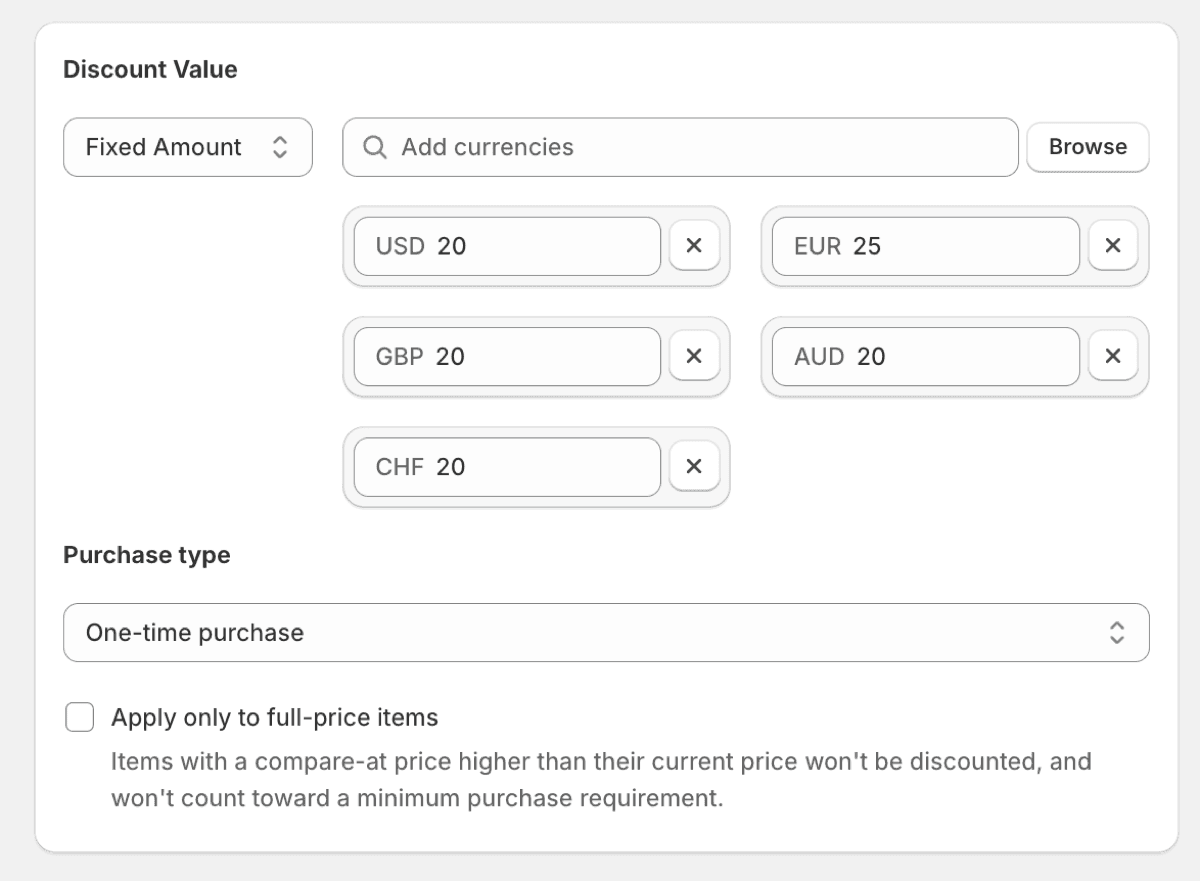
Two behaviours are worth knowing about before you rebuild, because they are the ones Scripts left you to handle yourself:
Currencies you have not set. A Script had to decide what to do when it met a presentment currency you had not thought about. Here you choose: either the discount does not apply at all in unlisted currencies, which keeps you from ever giving away a badly converted amount, or it falls back to conversion. The first is usually right for campaigns with a fixed budget.
Codes per market. If your Script also varied the code itself by region, that has a direct equivalent. One discount can carry a different code per market, so a French campaign uses one word and a German campaign another, while both point at the same amounts, the same schedule and the same usage report. There is more on that in running a different discount code per market.
A migration checklist
If you are working out what your store lost on 30 June, this is the order that surfaces problems fastest.
- Find what your Scripts did. Shopify's Scripts customizations report lists the customisations that were running, which is the fastest way to recover logic nobody documented.
- Separate the currency logic from everything else. Shipping rules, payment gateway sorting and bundle pricing all need their own answers. Per-currency discount amounts are usually the piece that maps most cleanly onto an existing app.
- Check your live campaigns for converted amounts. Any fixed-amount discount created before the sunset is now converting. Compare what your emails promised against what checkout is charging.
- Decide on unlisted currencies before you launch. Deciding this after a campaign is live is how a discount ends up applying somewhere you never budgeted for.
- Test in a market you do not sell much in. The failure is silent by nature, so a market with real traffic is the worst place to discover it.
For the wider picture of what Shopify does and does not do natively with currencies and discounts, the complete guide to multi-currency discounts covers the ground underneath all of this.
Frequently Asked Questions
Can I still use Shopify Scripts for discounts in different currencies?
No. Scripts stopped executing on 30 June 2026 and Scripts still published on stores were deactivated. Editing had already been disabled on 15 April 2026, so there is no way to modify or republish one. The currency logic has to move somewhere else.
What replaced Shopify Scripts?
Shopify Functions. It is more capable than Scripts, but it is code compiled to WebAssembly and deployed through a Shopify app rather than a Ruby snippet pasted into the admin. You either build an app or install one that already runs the Function you need.
Why does my Shopify discount show a different amount in each currency?
Because native fixed-amount discounts are entered once in your store currency and converted everywhere else at the market rate, then rounded. That is the default behaviour and there is no setting to switch it off. A Script used to override it. Today that requires a Function, usually through an app.
Do percentage discounts need migrating too?
Generally no. A percentage is unaffected by currency, so 20 percent behaves identically in every market and there was rarely a reason to script it. The migration pain sits almost entirely with fixed-amount discounts.
Can I set a different discount code per country after the Scripts sunset?
Yes, and it does not require a Function of your own. Apps built on Shopify Functions can attach several codes to one discount and restrict each to chosen markets, so the amounts, schedule and reporting stay in one place while each region gets its own code.
How long does it take to rebuild a currency Script as an app?
Building and maintaining your own app for this is a project, not an afternoon: you need a build pipeline, a deployment, and someone to own it. Installing an app that already runs the Function turns the same job into filling in one amount per currency.
The Ruby you wrote to keep a discount at a clean 15 euros was never really about Ruby. It was about a number staying the number you chose, whichever country somebody was shopping from. That requirement did not disappear on 30 June 2026, only the tool did. Rebuilding it is less about migrating a Script than about putting the amount back where it belongs, in a field, in every currency you sell in.
Recommended Articles
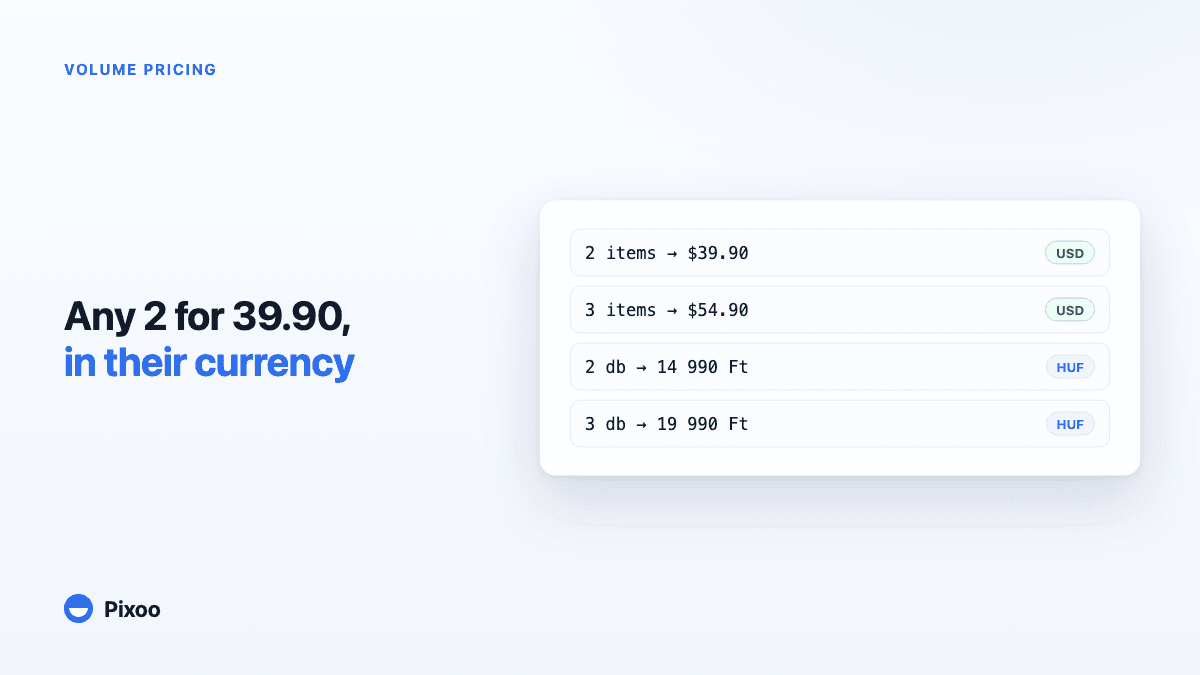
Shopify Volume Pricing in Every Currency: 2 for $39.90, 3 for $54.90, Without Converted Cents
A "2 for 30" offer only works if the price is round in every currency the shopper pays in. Here is why native Shopify discounts make that hard, and how Pixoo lets you type the price of the set per currency and works out the discount at checkout.
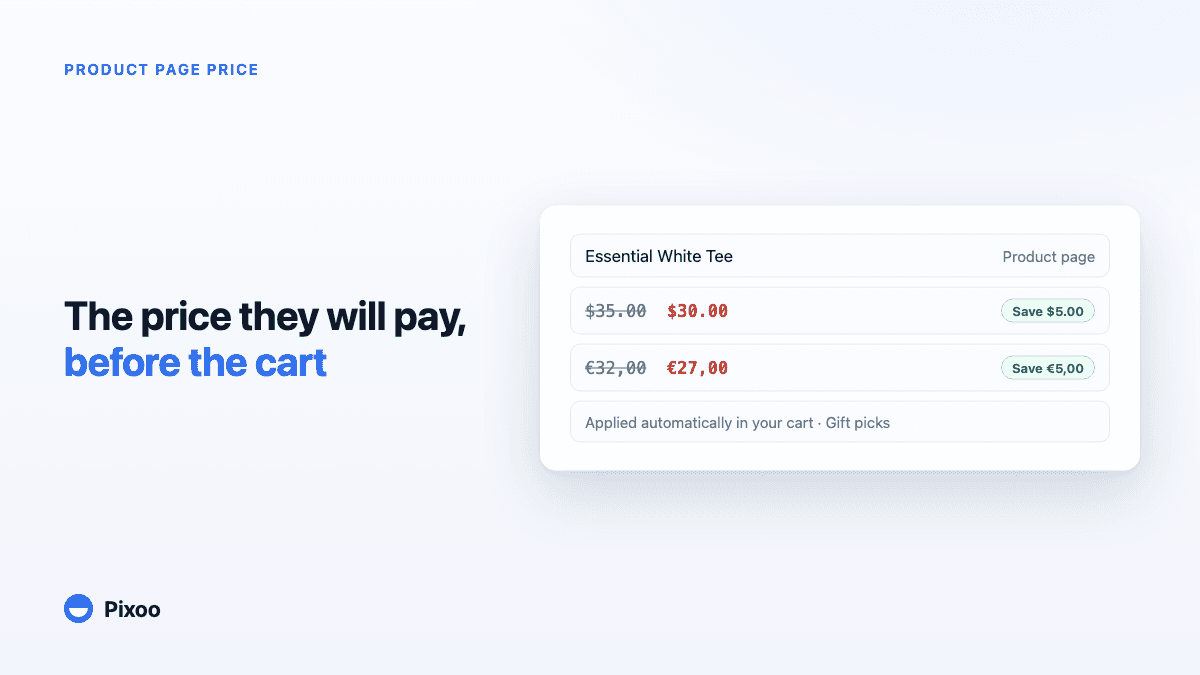
How to Show the Discounted Price on Shopify Product Pages, in Every Currency
An automatic discount on Shopify is applied in the cart, so the product page keeps showing the full price and most shoppers never learn there was a deal. Here is how to show the price they will actually pay, on the product page, in their own currency, without ever displaying a price the checkout will not honour.